

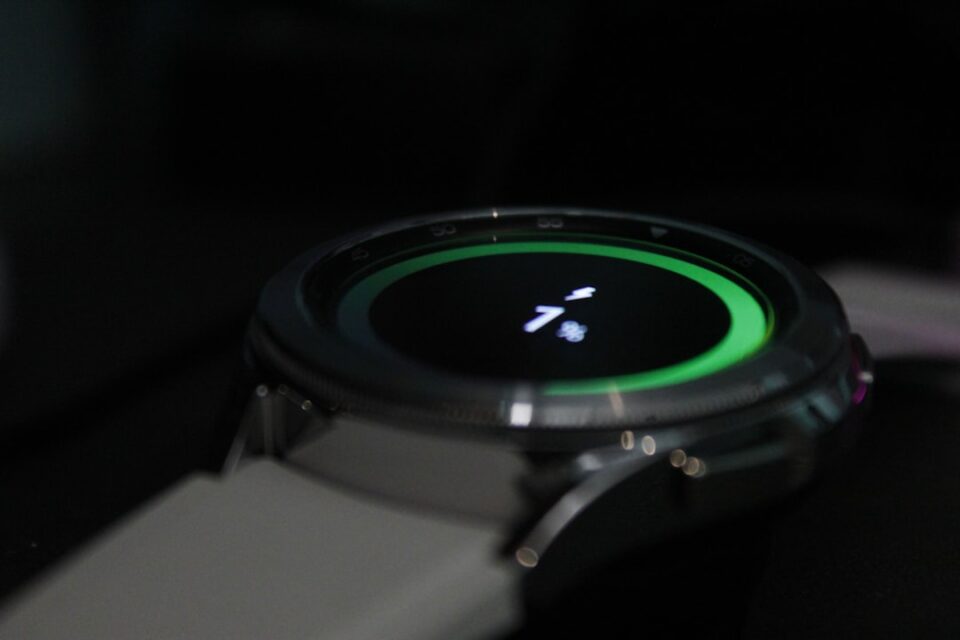
Sleep Mode is an essential feature for Galaxy device users, particularly for those who have recently started using a Galaxy Watch. This mode automates key settings on your devices according to your sleep schedule, ensuring a distraction-free environment by minimizing blue light and preventing unnecessary smartwatch display activations during the night. It operates on a reliable IFTTT system, allowing users to set it once and forget about it.
For new Galaxy Watch owners, revisiting Sleep Mode is crucial, even if it has been set up previously. This is because the initial setup may not include smartwatch-specific settings, which can enhance the sleep experience. Recommended settings for optimizing Sleep Mode include setting a custom sleep schedule, enabling the mode for naps, and activating ‘Do Not Disturb.’ Additionally, users should adjust display and sound settings, such as turning off the Always On Display and muting sound.
Sleep Mode can be configured through the phone’s Settings under Modes and Routines, where users can also personalize their experience with different wallpapers and watchfaces dedicated to this mode.
