

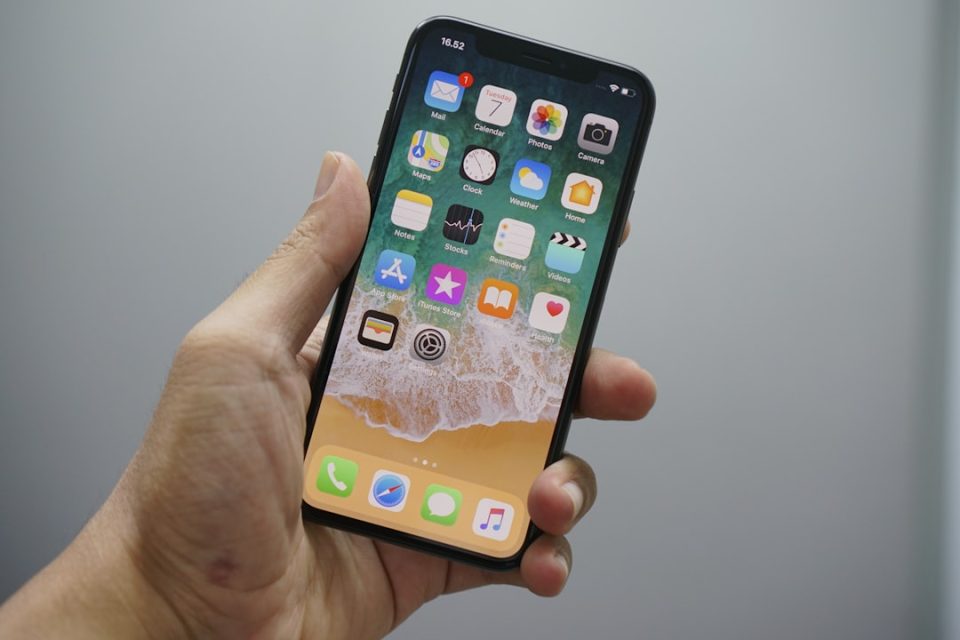
iOS 18 hides a set of practical, easy-to-miss features — app locking, T9 dialing, torch beam-width control, selectable charge limits, voice memo transcription, removal of icon labels, calculator conversions and more advanced Control Center customization — that many users haven’t discovered yet. These small but useful tweaks often matter more in daily use than the headline features: they boost privacy, extend battery longevity and speed up common tasks. Below you’ll find how to enable them and when they’re most helpful.
Why these hidden iOS 18 features matter
Big marquee features get the headlines, but it’s the subtle refinements you use every day that save time and reduce friction: lock an app before handing over your phone, cap the charge to preserve battery health, or jump to a specific passage in a voice recording. iOS 18 brings many of these tools natively, reducing the need for third‑party apps.
1) Restart directly from Control Center
iOS 18 adds a power button to Control Center. To use it: open Control Center (swipe down from the top-right), long-press the power button in the top-right corner until the restart slider appears, then restart. Handy when the screen is frozen or you want a quick reboot without pressing physical buttons.
2) Adjust the torch beam width
On iPhones with a Dynamic Island (from iPhone 14 Pro onward), the flashlight gets adjustable intensity and beam width. Turn the torch on from the lock screen or Control Center, then tap the Dynamic Island interface that appears: swipe up/down to change brightness and left/right to narrow or widen the beam. Useful for spotlighting a small area or lighting a wider scene.
3) Lock and hide apps with Face ID
iOS 18 lets you lock individual apps behind Face ID or a passcode and optionally hide them from the Home Screen, Search and notifications. How to: long-press an app icon → choose “Require Face ID” → enable “Hide and Require Face ID” to move the app into a protected folder in the App Library. Note: some built-in apps (for example Maps or Clock) may be lockable but not fully hideable.
4) T9 dialing for faster calls
T9 dialing is now built in. In the Phone app, open the keypad and type the numbers corresponding to the letters of a contact’s name (like old-style keypads); matching contacts appear automatically. No setup required — a quick way to call without scrolling through a long contacts list.
5) Limit charge to preserve battery health
iOS 18 expands maximum charge limits beyond the previous 80% option. You can select a cap — 80%, 85%, 90% or 95% — depending on how you use your device. Apple’s guidance: 80% for users prioritizing long-term battery longevity, 85% for a balanced approach. Limiting charge reduces stress on lithium‑ion cells and helps maintain battery health over years.
6) Automatically transcribe voice memos
Voice Memos can now transcribe recordings into searchable text. Once transcribed, the text is indexed inside the app so you can find a specific passage without re-listening. Keep in mind transcription accuracy varies with background noise, accents and overlapping speakers — treat it as a first draft that may need verification.
7) Remove app labels for a cleaner Home Screen
iOS 18 adds a layout option that removes the text labels under app icons. To enable: long-press the Home Screen → Customize → select the layout option without labels. It’s a simple way to achieve a minimalist aesthetic or match a custom theme.
These incremental additions make daily iPhone use smoother and more private. Try the ones that match your routine — you may find they matter more than the big marquee features.
