

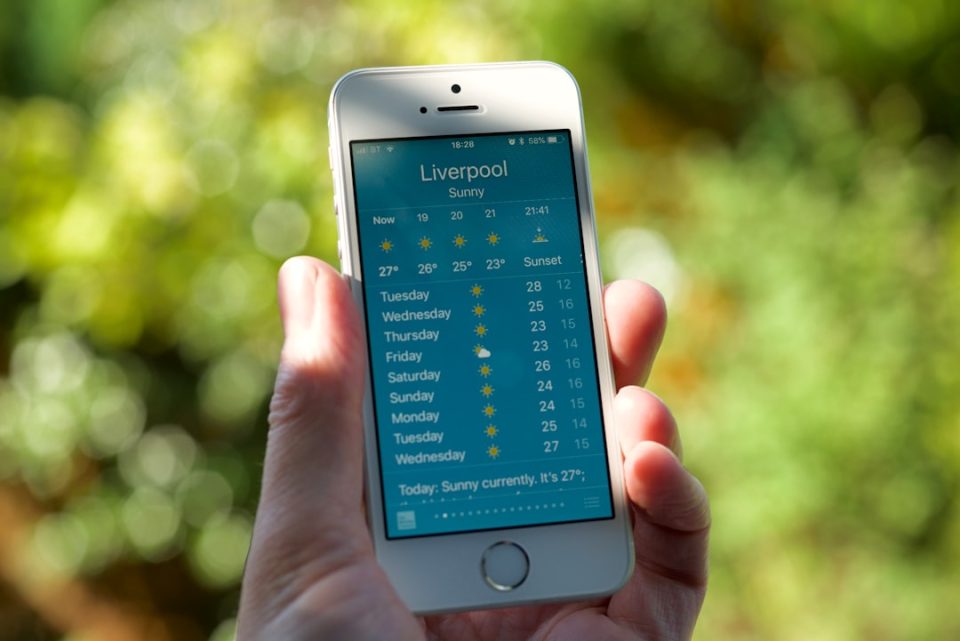
Weather apps on the iPhone are no longer just a quick check for an umbrella — a good weather app helps you plan a commute, prepare for changing conditions, monitor severe weather and decide when it is safe to travel or spend time outdoors. Choosing the right app means balancing reliable forecasting with an interface that makes critical information easy to understand, useful widgets, timely alerts and sensible privacy controls.
What Makes a Good Weather App for iPhone
A single app does not need to serve every user the same way. Casual users typically want today’s temperature and a clear seven-day forecast, while travelers, outdoor enthusiasts and professionals may need radar, wind data and severe-weather notifications. Core qualities to prioritize are forecast accuracy, timely radar and live data, clear severe-weather alerts, and an interface that surfaces the most important information first.
Forecast Accuracy
Accuracy is arguably the most important factor: a weather app is only useful if its forecast is reasonably dependable for your location. Modern apps may combine multiple forecasting models and services, but no forecast is perfect, especially several days out. Prefer apps that communicate forecast confidence and update frequently rather than presenting long-range predictions as certain.
Radar and Live Weather Information
Radar and live layers often matter more than a single rain probability when conditions are changing quickly. Good radar views show approaching precipitation and how systems are moving relative to your location. Some apps also offer satellite imagery, lightning data and wind maps; these real-time layers are particularly valuable when driving, hiking or planning outdoor events.
Severe Weather Alerts
Alerts should be timely, noticeable and easy to understand. The best apps notify users about significant conditions such as thunderstorms, flooding or extreme temperatures and let users control which notifications they receive so important warnings are not buried by routine updates.
Hourly and Daily Forecasts
Useful forecasts work at multiple levels of detail. Hourly forecasts help decide whether to leave immediately, postpone a run or schedule an outdoor activity; daily forecasts are better for planning the week ahead. Look for apps that make temperature, precipitation, wind and other conditions easy to compare across hours and days.
Ease of Use and Widgets
Weather information can become hard to interpret when an app displays too many charts and numbers. A strong interface prioritizes current conditions, today’s forecast and imminent changes so users don’t need several taps to find essentials. iPhone widgets provide quick access without opening the app; the most useful widgets show current conditions, temperature, precipitation and upcoming forecasts in multiple sizes.
Apple Watch Support
For Apple Watch users, weather on the wrist should provide current conditions, forecasts and important alerts without reaching for the iPhone. Good apps expose complications so frequently checked information appears directly on the watch face rather than as an afterthought.
Privacy and Permissions
Weather apps need location to provide local forecasts but do not necessarily require unrestricted access. Check location permissions to see whether approximate location is an option and review privacy policies and tracking controls, especially for free apps.
Additional Features Worth Considering
Beyond basics, several features can make one weather app more useful than another: minute-by-minute or hour-by-hour precipitation details to know whether rain will affect a short commute; interactive maps with responsive controls and layers for precipitation, temperature and wind; clear wind speed and direction information that matters for cycling, driving and outdoor work; and air-quality or environmental data for those sensitive to pollution, smoke or other conditions. Custom alerts, lock-screen and home-screen integration further reduce the need to open the full app.
Free vs Paid Weather Apps
Many weather apps offer usable free versions that include current conditions, hourly and daily forecasts and basic widgets. Free apps may include ads or restrict advanced features like detailed radar and extended forecasts. Paid apps can provide additional radar layers, advanced alerts, historical data, detailed maps or an ad-free experience, but the key question is whether premium features solve a real problem for you rather than being inherently better.
How to Choose the Right App
Start from how you use weather information: for everyday forecasts, pick an app with a clean interface, reliable hourly and daily forecasts, useful widgets and straightforward notifications; for severe weather, prioritize timely alerts, radar and precipitation tracking; for outdoor activities, look for wind detail, precipitation timing and environmental data; and for privacy-conscious users, review permissions and data collection. Try an app for several days before committing, since presentation and day-to-day usability can vary.
The built-in Apple Weather app covers the basics, while third-party options may offer more detailed radar maps, advanced forecasts, customizable alerts and additional outdoor information. In 2026, the strongest weather apps make forecasting feel less like reading a data sheet and more like having timely, practical information when you need it most.
