

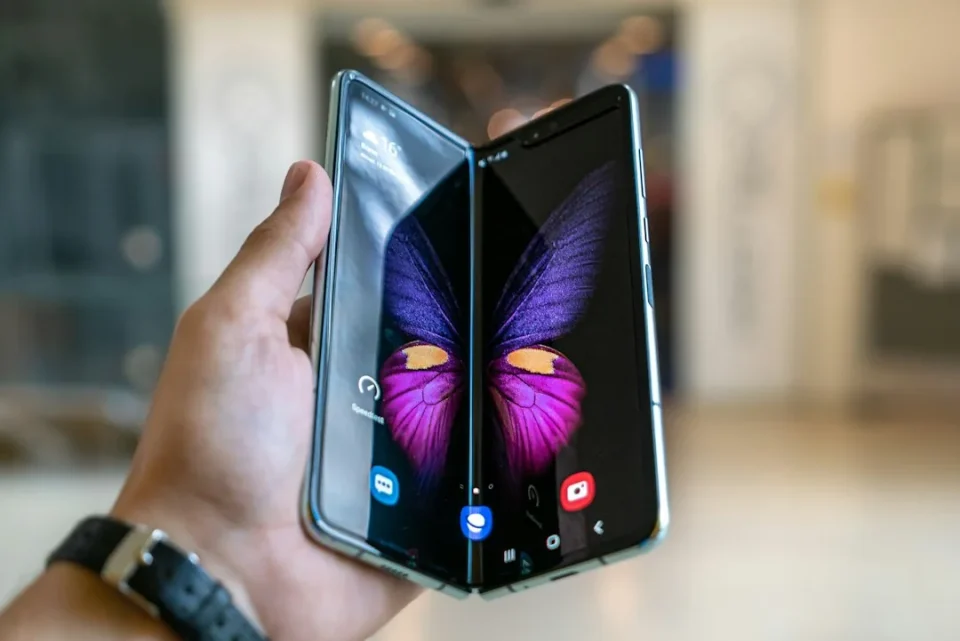
Samsung’s Modes & Routines on the Galaxy Z Fold 8 can trigger custom actions based on your phone’s folding status, letting you automate behavior when the device is fully open or fully closed. This folding-status “If” condition is unique to the Fold series and enables different settings and actions for the cover screen and the unfolded main display.
How to create folding-status Routines on your Galaxy Z Fold 8
Open Settings > Modes & Routines. Tap +. Select “Folding status” in the “If” section, then choose and customize the actions in the “Then” section to define what should happen when the phone is unfolded or folded.
You can use these routines to, for example, set one screen timeout for the cover screen and a different timeout when the phone is unfolded. Other actions that can be triggered automatically when the Fold is open include changing Always On Display settings, adjusting display options such as motion smoothness or Eye Comfort Shield, modifying font size or style, adding an Edge Lighting effect, forcing a different screen orientation, automatically opening an app or performing an action, changing sound, vibration or equalizer settings, starting a timer, and changing Samsung Keyboard settings or clearing the clipboard.
Some options may appear grayed out if you access Modes & Routines from the cover screen, so you may prefer to create and test folding-status routines while the Galaxy Z Fold 8 is unfolded. Routines can also be configured so that actions triggered when the phone is unfolded are automatically reverted to their previous settings when the phone is folded.
