

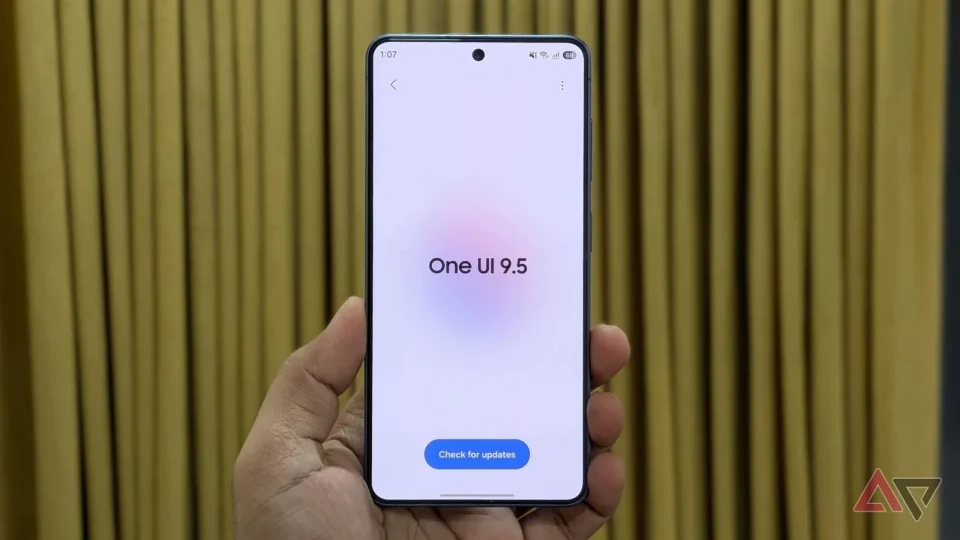
One UI 9.5 brings welcome improvements to Galaxy phones — from a more convenient Camera interface to the long-requested App lock feature — but testing the beta on the Galaxy S26 series revealed five puzzling changes and missing options.
Shot suggestions and 24MP in One UI 9.5
One UI 9.5 places a 24MP resolution option directly in the Camera app, removing the previous need for Camera Assistant on the Galaxy S26. In the current beta, however, Shot suggestions becomes unavailable when 24MP is selected: the setting is grayed out with a message saying it is not supported at the current picture size, the same behavior shown when 50MP or 200MP is chosen. On One UI 9, Shot suggestions could be enabled at both 12MP and 24MP; in the 9.5 beta, switching back to 12MP restores Shot suggestions. Level and center guides remain available, and Shot suggestions in 9.5 gains a cleaner design with a small framing dot.
Live effect wallpapers disable Erase background on Always On Display
A new Live effect wallpaper option makes elements in a wallpaper shift as you tilt the phone to add a sense of depth. Enabling Live effect for a wallpaper, however, grays out the Erase background setting used to keep a photo subject visible on the Always On Display (AOD) while removing its surroundings. Notably, the Live effect animation does not run on the AOD itself — the movement only begins when you wake the lock screen — yet turning it on still removes that AOD customization.
Now Brief shows a Galaxy AI upgrade that can’t be activated
Now Brief custom cards remain limited to three at a time in the beta, and the beta also restricts how often each card can be edited. After creating three cards, attempting to add a fourth opens a pop-up offering two choices: delete an existing card or upgrade to Galaxy AI Premium. Tapping Upgrade produces an error, and repeated attempts do not succeed, so testers cannot actually access the higher allowance the menu presents.
Audio Brief playback removed from Now Brief
Audio Brief, the playback option that read Now Brief updates aloud, is no longer available in One UI 9.5; the playback button has disappeared and Samsung lists the removal in the update changelog. On One UI 9, users could start playback, pause it, and skip to the next part of the briefing. Samsung has not provided an explanation for removing the feature.
Privacy Display now protects the entire notification panel with locked apps
Privacy Display makes the screen harder to read from the side. In One UI 9.5 you can set Privacy Display to activate automatically when opening an app protected by App lock. With Privacy Display enabled for locked apps, opening the notification panel when it contains a notification from a locked app activates protection for the whole panel. Samsung already allows Privacy Display to protect only the area occupied by an incoming notification pop-up, but in this combination the protection applies to the entire notification panel rather than to individual notifications or selected apps.
Those are the main oddities observed in the current One UI 9.5 beta on the Galaxy S26 series; Samsung has listed the Audio Brief removal in the changelog and has not explained the changes to the other behaviors.
