

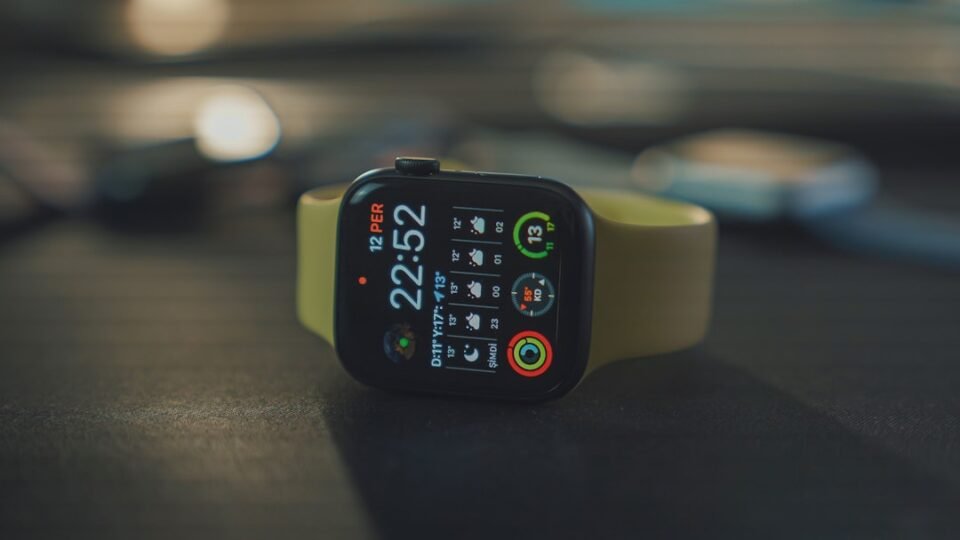
With the introduction of watchOS 26, Apple has significantly enhanced the customization capabilities of the Apple Watch Control Center. Users can now not only rearrange the existing buttons but also incorporate controls from third-party apps. This new feature allows iPhone developers to create custom controls for the Control Center, even if the app does not have a watchOS counterpart. These controls, once added, can perform actions directly on the paired iPhone and can be assigned to specific buttons or widgets on the Apple Watch.
To customize the Control Center, users can press the side button, scroll to the bottom, and tap ‘Edit’. A new “Suggested” section simplifies navigation, while a “From Your iPhone” section at the bottom displays third-party controls, provided they have been developed using the Control Widget API. If users wish to revert to the original Control Center layout, they can do so through the Settings app on the Apple Watch or via the Watch app on their iPhone. This update opens new possibilities for personalization, although current support from developers remains limited.
