

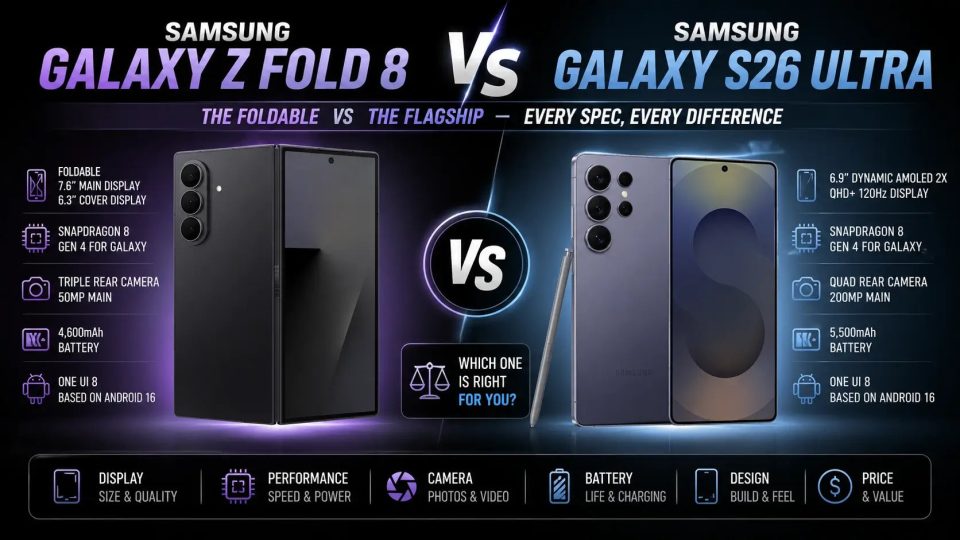
The Galaxy Z Fold 8 Ultra hides two software features aimed at demanding videographers: the APV codec, built for professional editing, and Cine LUT, which lets you apply cinematic color grading directly on the phone. These additions complement the camera’s hardware improvements and are designed to streamline mobile post‑production workflows.
A codec (APV) designed for professional editing
Alongside standard HEVC and H.264, the Galaxy Z Fold 8 Ultra supports APV (Advanced Professional Video), Samsung’s proprietary codec first seen on earlier models. APV delivers dramatically higher bitrates: in 4K60, APV 422 HQ and APV 422 LQ are listed at 1,592 Mbps and 812 Mbps respectively, compared with roughly 52 Mbps for HEVC HDR. Practically, one minute of 4K60 in APV 422 HQ consumes nearly 11.94 GB versus about 390 MB for HEVC HDR — roughly a 30× increase in file size.
That bitrate inflation doesn’t necessarily translate into a 30× visible improvement when simply playing clips side‑by‑side, but APV preserves far more image information — a key advantage for professional editing. According to Samsung, APV maintains visual clarity through multiple rounds of editing. The Fold 8 Ultra can record APV in HDR or LOG and supports the codec across all offered resolutions, including 4K120 and 8K30.
How to enable APV: Camera settings > Video format > enable APV. Given the file sizes, the phone can record directly to external storage (USB stick, hard drive, or SSD). An option labeled “Save to external storage” forces recording to the attached drive; if no drive is present, footage writes to internal storage. A “Safe save” mode fragments APV recordings to reduce the risk of loss if the USB storage is disconnected unexpectedly, but in that mode individual takes are limited to 10 minutes.
Cine LUT: color grade without a computer
The Z Fold 7 introduced LOG recording to the Fold lineup; the Z Fold 8 Ultra expands that capability by allowing LOG capture in APV, optimizing footage for post‑processing. Cine LUT (Cinematic Look‑Up Table) applies a LUT that remaps color, luminance, and contrast to give LOG footage a cinematic look while preserving the tonal subtleties captured by the flat profile.
Unlike a simple filter, a LUT changes color curves and image dynamics, making it a more appropriate tool for grading. On the Z Fold 8 Ultra you can preview a LUT while recording and apply a LUT to LOG clips directly from the Gallery app, removing the need to export to desktop software for basic color grading. The phone includes four Cine LUT presets: Thriller, Blockbuster, Coming‑of‑age and Romance.
What this means for videographers
Pairing APV + LOG + Cine LUT pushes the Fold 8 Ultra closer to a production‑ready tool: very high‑bitrate recording, retention of color information, and on‑device grading. These features primarily benefit creators willing to handle large data volumes and to use external storage during shoots.
Videographers should note that visual gains may be subtle during casual playback — APV’s real value appears during editing and color grading. The external‑save and Safe save options provide practical tradeoffs between rush safety and recording duration, making the system usable in real‑world shooting conditions if you plan your storage and workflow accordingly.
