

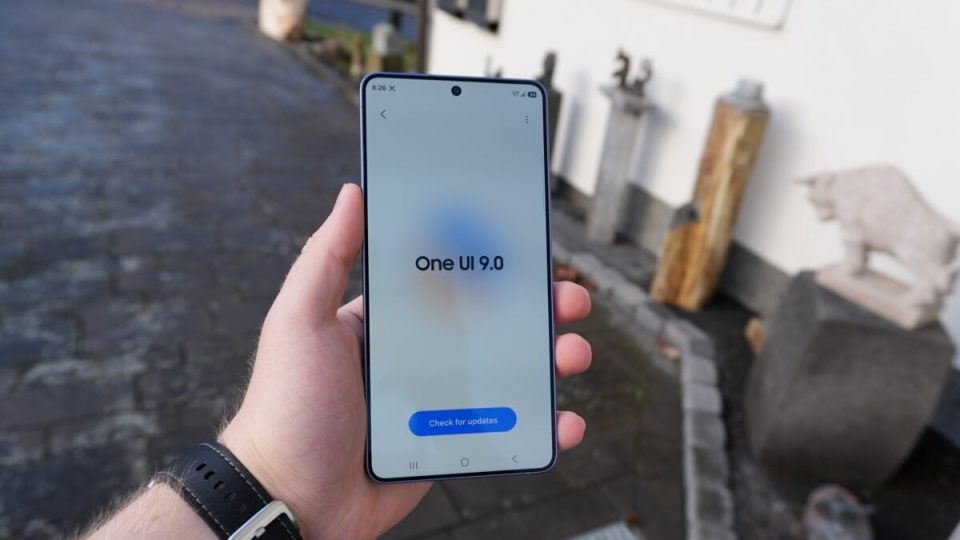
One UI 9.0 allows Galaxy users to completely uninstall the Microsoft SwiftKey AI Keyboard app. That change was confirmed on a Galaxy S26 Ultra running One UI 9.0 Beta 5, where removing SwiftKey freed around 55MB of storage.
One UI 9 lets you remove SwiftKey completely
Phones running One UI 9.0 now offer the option to remove the Microsoft SwiftKey AI Keyboard app entirely. On a Galaxy S26 Ultra with One UI 9.0 Beta 5 the app was uninstalled and about 55MB of storage was recovered. By contrast, when the phone ran One UI 8.5 it was not possible to uninstall SwiftKey fully; the only available actions were uninstalling updates and disabling the app.
Which devices ship without SwiftKey and Microsoft integrations
Some recent Galaxy models do not come with SwiftKey pre-installed: the Galaxy Z Fold 8 and the Galaxy Z Fold 8 Ultra lack the SwiftKey Keyboard app out of the box, and the Galaxy Z Flip 8 is likely the same since it ships with One UI 9.0. Certain recent Galaxy A series phones, such as the Galaxy A57, also do not include SwiftKey pre-installed. Samsung and Microsoft have maintained a long-running agreement to pre-install Microsoft apps on Galaxy phones, including Office, OneDrive, OneNote and SwiftKey. In One UI, OneDrive is integrated into the stock Gallery and My Files apps, OneNote is integrated with Samsung Notes, and Microsoft To Do is integrated with Samsung Reminders.
