

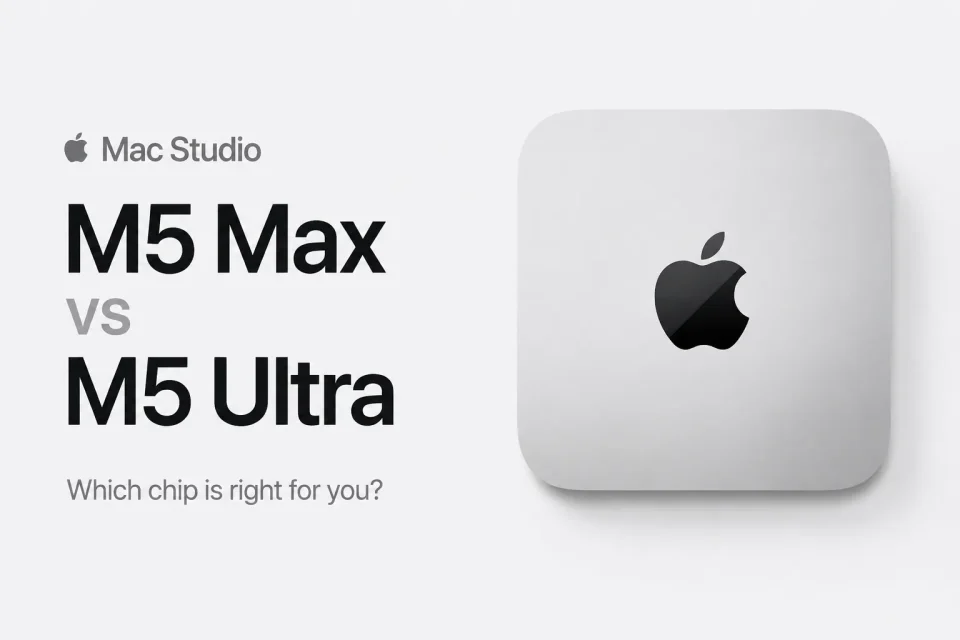
Apple this week introduced two new Mac Studio models—one built around the M5 Max chip and one around the all‑new M5 Ultra—replacing the M4 Max and M3 Ultra. The gap between them is unusually wide: the Mac Studio with M5 Max starts at $2,499, while the Mac Studio with M5 Ultra starts at $5,499, a $3,000 base‑model premium before any configure‑to‑order options. For most buyers, including many professionals, the M5 Max will be the more appropriate choice; the M5 Ultra targets users who need extremely large memory pools, peak AI inference on device, or massive parallel media throughput.
Mac Studio shared features
Both Mac Studio models share the same enclosure, a next‑generation SSD architecture Apple says is up to twice as fast as before, and a long list of modern I/O and media capabilities. Shared features include:
– Identical enclosure measuring 3.7 inches tall and 7.7 inches wide
– Neural Accelerators built into every GPU core and hardware‑accelerated ray tracing
– Hardware‑accelerated H.264, HEVC, ProRes, and ProRes RAW, plus AV1 decode
– Thunderbolt 5 with up to 120Gb/s of bandwidth and support for clustering multiple systems using RDMA (remote direct memory access)
– 10Gb Ethernet, HDMI, and an SDXC card slot (UHS‑II)
– Wi‑Fi 7 and Bluetooth 6 via the N1 chip
– Genlock over USB‑C for camera synchronization and a 3.5mm headphone jack with high‑impedance headphone support
– macOS 27, Apple Intelligence, and Siri AI
How the M5 Max and M5 Ultra differ
The two models diverge across CPU and GPU core counts, Neural Engine size, memory bandwidth and capacity, media engines, ports, and weight. Key differences:
– Price: M5 Max starts at $2,499; M5 Ultra starts at $5,499 (a further $200 increase on the post‑June M3 Ultra price and $1,500 above what the M3 Ultra cost at launch).
– Chips: M5 Max vs M5 Ultra.
– CPU: M5 Max 18‑core (6 super + 12 performance) vs M5 Ultra up to 36‑core (12 super + 24 performance), from 30 cores.
– GPU: M5 Max up to 40 cores, from 32 cores; M5 Ultra up to 80 cores, from 64 cores.
– Neural Engine: 16‑core on M5 Max vs 32‑core on M5 Ultra.
– Memory bandwidth: up to 614GB/s for M5 Max; 1.2TB/s for M5 Ultra.
– Unified memory: M5 Max options 36GB, 48GB, 64GB, or 128GB; M5 Ultra options 96GB, 256GB, or 512GB (the 512GB option is limited to the 80‑core GPU model).
– Storage: M5 Max 512GB–8TB; M5 Ultra 1TB–16TB.
– AI and graphics performance claims: M5 Max up to 3.9x faster AI performance than M4 Max and up to 50% faster graphics than M4 Max; M5 Ultra up to 4.3x the peak AI compute performance of M3 Ultra and up to 1.8x faster graphics than M3 Ultra.
– Media engines: M5 Max has one video decode engine and two video encode engines with two ProRes encode/decode engines; M5 Ultra has two video decode engines and four video encode engines with four ProRes encode/decode engines.
– Ports and displays: M5 Max has four Thunderbolt 5 ports, two USB‑C ports, and two USB‑A ports and supports up to five 4K displays, four 6K displays, or two 8K displays; M5 Ultra has six Thunderbolt 5 ports and two USB‑A ports and supports up to eight 4K displays, eight 6K displays, or four 8K displays.
– Weight: M5 Max 6.0 pounds (2.7 kg); M5 Ultra 8.0 pounds (3.6 kg).
Which Mac Studio should you buy?
For the overwhelming majority of buyers, including many professional users, the M5 Max delivers ample performance. Its 18‑core CPU, up to 40 GPU cores with Neural Accelerators, up to 128GB of unified memory and 614GB/s of bandwidth cover workflows such as multi‑stream 4K and 6K editing, large Logic sessions with real‑time plugins, compiling substantial codebases, and most 3D and motion work. Apple’s figures cite up to 3x faster Magic Mask performance in DaVinci Resolve Studio and 1.4x faster scene rendering in Maxon Redshift compared with the M4 Max.
Choose the M5 Ultra only if you expect to hit performance ceilings the M5 Max cannot clear. The most obvious use case is local AI inference where an entire model must be resident in memory: 256GB and 512GB configurations paired with 1.2TB/s bandwidth allow models with hundreds of billions of parameters to run on the machine itself, keeping sensitive material on‑device and avoiding recurring cloud inference costs. Other workloads that can justify the Ultra include finishing multiple 8K camera feeds simultaneously (where the doubled Media Engine and four encode engines matter), research and simulation work that needs an enormous memory pool, and setups requiring six Thunderbolt 5 ports or support for more than five displays.
There is a notable catch in the memory ladder: the M5 Ultra’s base memory is 96GB, which is less than the 128GB maximum available on the M5 Max. The Ultra only clearly separates itself at 256GB and above, and because Apple limits 512GB to the 80‑core GPU model, configurations that truly justify the Ultra sit well above its starting price. Memory and storage upgrades are also more expensive than usual because of the memory chip shortage, so buyers should consider spending on unified memory at purchase when needed.
Configuring an M5 Max with additional memory and storage can narrow the price gap substantially, and at higher configurations the Ultra becomes easier to justify because it roughly doubles GPU cores, Neural Engine cores, memory bandwidth, and Media Engine capacity in a single step. Both Mac Studio models support clustering over Thunderbolt 5 and RDMA: Apple says four Mac Studio systems working together can deliver up to 3x faster AI inference than a single machine, so scaling may be achieved by combining systems rather than buying the most expensive configuration outright.
If the M5 Max still exceeds your needs, Apple also offers a Mac mini with the M5 Pro chip starting at $1,699, with up to a 20‑core GPU and 307GB/s of memory bandwidth, which the company positions as sufficient for a great deal of professional work.
Both new Mac Studio models are available to pre‑order now, with availability beginning on September 22. The 512GB configuration arrives in late October, and its pricing is expected to start well above $10,000.
