

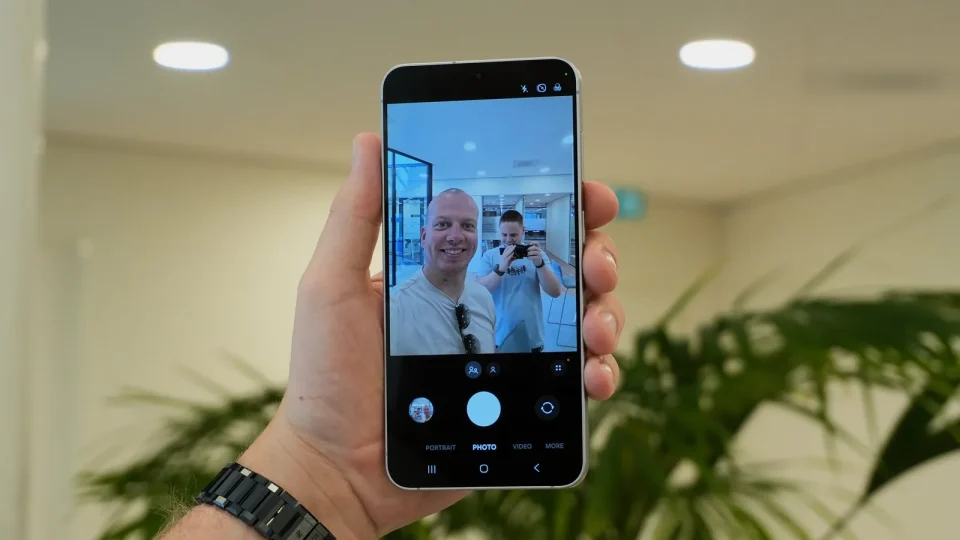
The Galaxy S26 FE hides three familiar camera modes — Night, Single Take and Dual Recording (Dual Rec) — from the Camera app’s More section by default, but you can restore them using Samsung’s Camera Assistant app.
Samsung introduced this change with One UI 8.5 and has kept it in One UI 9, which comes preloaded on the Galaxy S26 FE. The features themselves were not removed: Night now appears as a moon-shaped toggle in Photo mode when the phone detects low light, and Dual Recording (Dual Rec) is available through the quick controls in Video mode. Single Take is hidden by default but can be added alongside dedicated Night and Dual Rec modes via Camera Assistant.
How to enable Night, Single Take, and Dual Rec on Galaxy S26 FE
If you don’t already have Camera Assistant, install it from the Galaxy Store. Then, in this order:
1. Open the Camera app.
2. Tap the four-dot Quick controls button.
3. Tap the gear-shaped Settings button.
4. Select Camera Assistant.
5. Scroll down to the Additional modes section.
6. Enable Night, Single Take, and Dual rec.
Return to the Camera app and open the More section — all three modes should now appear as dedicated options.
What each mode does
Single Take captures multiple photos and short video clips with one press of the shutter. Dual Rec records using two of the phone’s cameras at the same time. The dedicated Night mode is always available once enabled, so you can use it in borderline low-light conditions where the Photo mode’s moon-shaped toggle might not appear automatically.
