

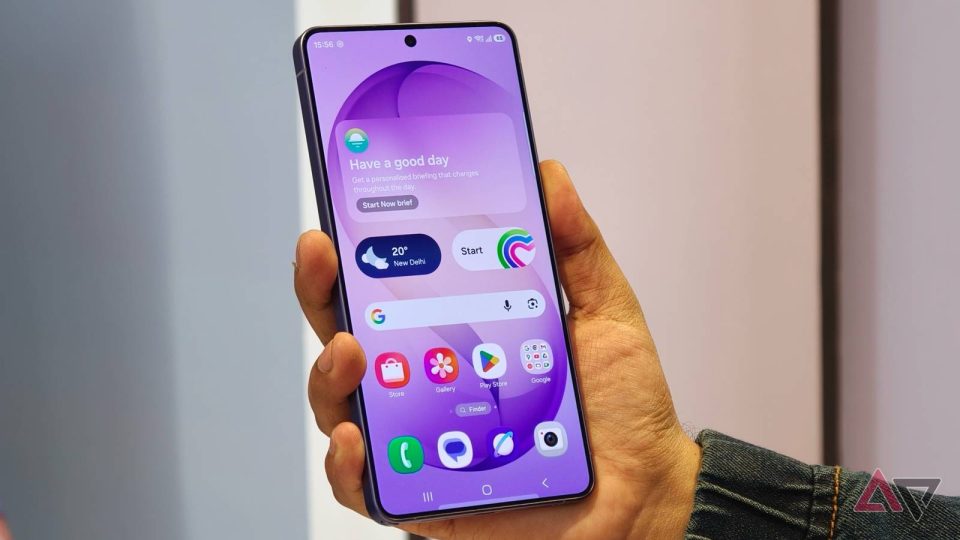
Earlier this month Google unveiled Motion Assist for Android phones; the feature, which debuted on Pixel devices, is now rolling out to Samsung Galaxy phones. Motion Assist aims to reduce motion sickness by displaying floating bubbles over on-screen content that move in response to the motion of a bus, car or any other moving vehicle and have been proven effective in reducing symptoms.
Motion Assist: how it works
The bubbles appear on top of apps and media and track vehicle motion to give users a stable visual reference while travelling. Settings screenshots show options for color and shape customization, letting users adjust the bubbles to their preference.
Availability and where to find it
Motion Assist should be visible on devices running version 26.33.32 of Google Play services. If that version is installed but the feature does not appear, restarting the phone may be required. Once available, Motion Assist can be enabled from the Settings app and accessed via Quick Panel controls.
Screenshots credited to Asif Iqbal Shaik show Motion Assist settings on Galaxy phones running One UI 9.0 (Android 17), including the Quick Panel placement and customization options.
