

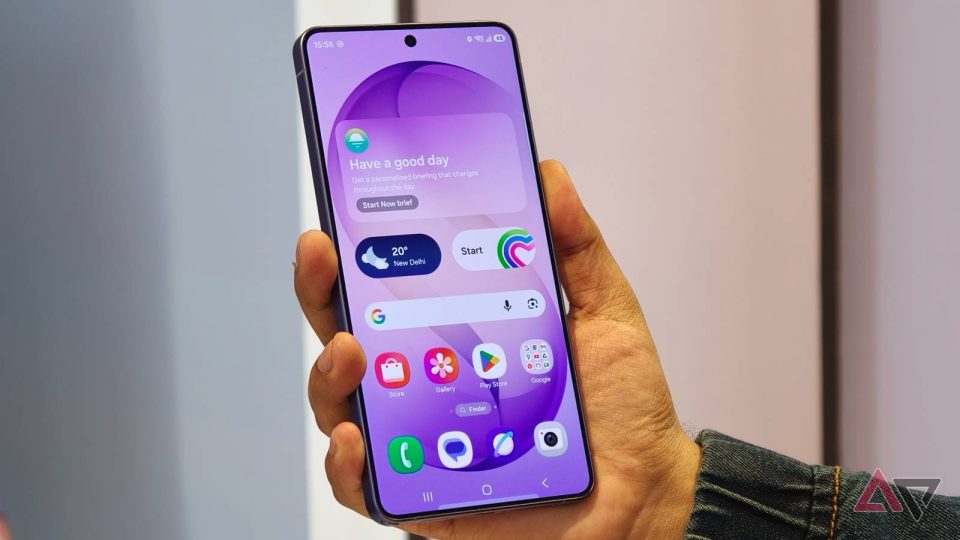
Samsung has released the stable One UI 9.0 update, based on Android 17, for the Galaxy S26, Galaxy S26+ and Galaxy S26 Ultra in South Korea after almost five months of testing and seven beta releases.
One UI 9.0 rollout details
The stable build carries firmware version S94xNKSU4BZ16 and, for users who participated in the beta program, has a download size of around 550MB. The update also includes the September 2026 security patch. For users who did not join the beta, the download size could be substantially larger. Samsung may release the update in other countries within the next few days.
How to check and install
To see if the update is available on a Galaxy S26 series phone, open the Settings app, scroll to Software update and tap Check for updates. If the update appears, it will begin downloading. Once the new software is downloaded, tap Restart; the phone will reboot after a few minutes and then run One UI 9.0. Make sure the device has more than 30% battery charge before starting the installation.
Samsung opened the One UI 9.0 beta program for the Galaxy S26, S26+ and S26 Ultra in May and issued seven beta releases over the subsequent almost five months prior to this stable release.
