

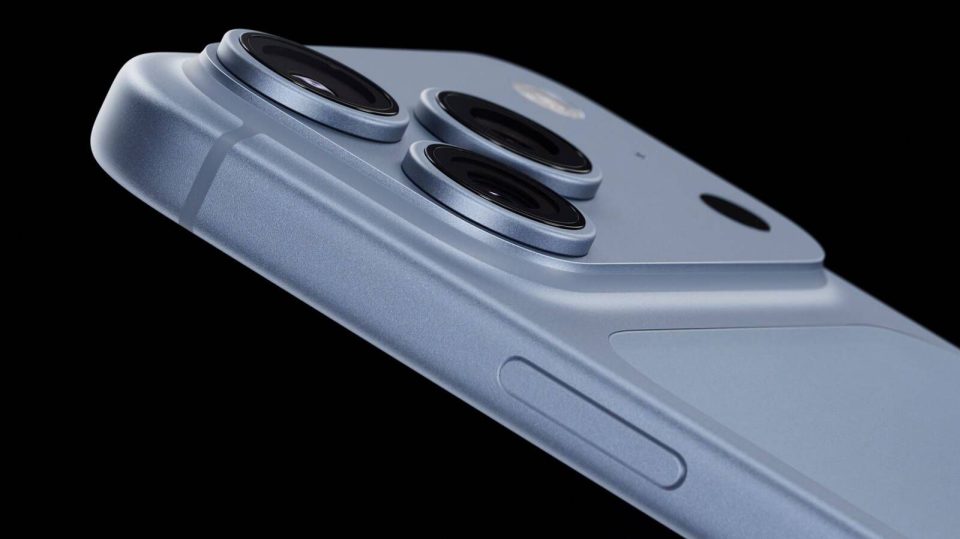
The iPhone 18 Pro and iPhone 18 Pro Max retain the same three rear cameras as the iPhone 17 Pro models — a 48MP Fusion Main lens, an 8x48MP Telephoto lens, and a 48MP Ultra Wide lens — and they share the same focal lengths and resolutions as their predecessors. The headline change is a four-stop variable aperture on the Main camera, replacing the previous fixed ƒ/1.78 with an adjustable range from ƒ/1.48 to ƒ/4.0, which Apple says delivers around 50 percent better low-light performance and gives photographers optical control over depth of field that the iPhone has not offered before. The system can operate automatically or be controlled manually for creative intent.
How to use the variable aperture
Open the Camera app and tap the button with six dots at the bottom-right of the interface. From the control pane, select Lens Aperture. Four circles correspond to the available settings; from left to right they are ƒ/1.48, ƒ/1.8, ƒ/2.8 and ƒ/4.0. If you prefer the phone to decide, tap the Auto button on the left to return to automatic aperture control. Try different settings to see their effect on light intake and focus falloff.
Why the variable aperture matters
Aperture controls how much light enters the lens and reaches the sensor. When too little light arrives, images can become blurry or grainy unless the shutter stays open longer or Night Mode is engaged — both of which increase the risk of blur. A variable aperture physically lets more or less light in depending on the shot, allowing the camera to use faster or slower shutter speeds as appropriate. Lower f-numbers (wider apertures) like ƒ/1.48 admit more light and enable faster shutter speeds while producing a shallower depth of field; higher f-numbers like ƒ/4.0 admit less light but increase the portion of the scene that remains in focus, which can be useful for landscapes and group shots.
Using the variable aperture gives photographers on the iPhone 18 Pro models a direct optical tool to balance light, motion and depth of field, either through the phone’s automatic adjustments or by selecting a specific ƒ-stop for stylistic control.
