

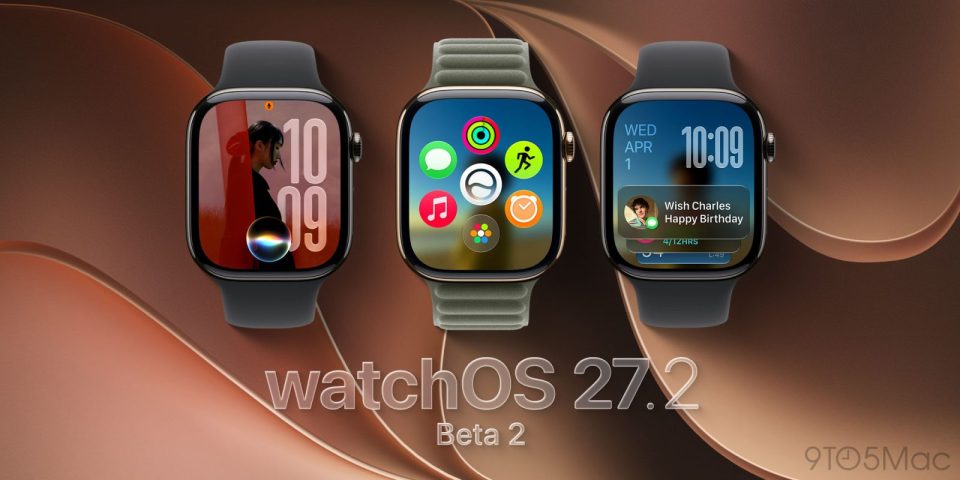
Apple has reinstated the App Switcher screen in the second watchOS 27.2 beta, released yesterday, but the gesture to open it has changed.
In watchOS 26 and earlier, a double press of the Digital Crown summoned the App Switcher, letting users jump to the last-used app, view and open recently used apps, and swipe left on a misbehaving app to force close it. In watchOS 27, the Digital Crown double-press was reserved for Apple’s upcoming Live Rewind feature, removing the previous App Switcher shortcut and prompting concern that the App Switcher might be gone for good.
How to open the App Switcher
The App Switcher is back in the second watchOS 27.2 beta, but it is accessed differently: a video shared on Twitter shows the screen appearing after pressing and holding the bottom of the display while inside an app. Previously, after double-clicking the Digital Crown, users could turn the Digital Crown to navigate recently used apps.
Apple has reserved the Digital Crown double-press for Live Rewind, which the company says will provide a transcript of what was said in the last 15 seconds. Apple says Live Rewind will be available later this year on Apple Watch Series 12 and Apple Watch Ultra 4.
