

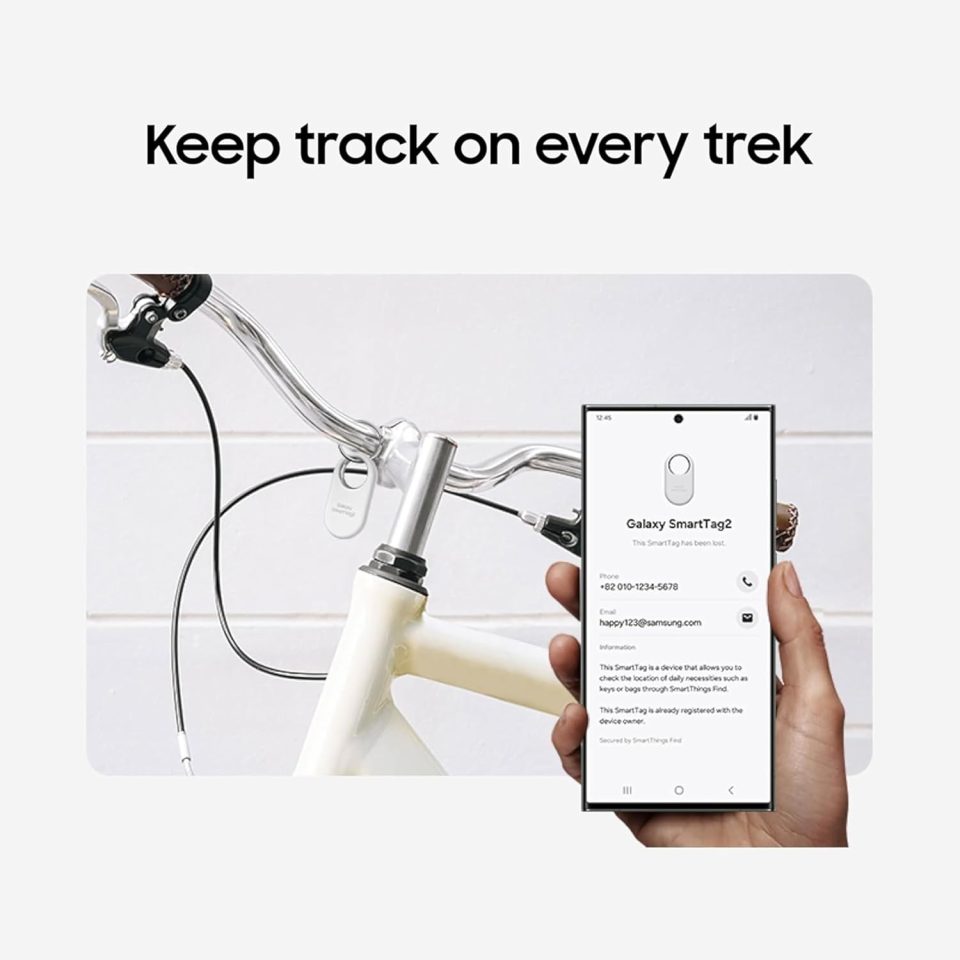
Samsung announced the Galaxy SmartTag 3 today — its first location tracker in almost three years — and the headline upgrade is an improved Compass View that takes advantage of Bluetooth 6.0 Channel Sounding to extend directional guidance up to 60 meters.
Galaxy SmartTag 3 Compass View
The Compass View feature itself remains the same in operation: it shows whether you are getting closer to or farther from the tracker and, when you are close enough, points directly toward the SmartTag with an arrow. What changes for the Galaxy SmartTag 3 is connectivity. Thanks to Bluetooth 6.0 and Channel Sounding, Compass View can provide directional guidance from much farther away — up to about 60 meters, roughly three times the detection range of the Galaxy SmartTag 2.
Background and technical limits
The Galaxy SmartTag 2, released in October 2023, already offered a Compass View but is limited to Bluetooth 5.3. By contrast, the SmartTag 3’s use of Bluetooth 6.0 Channel Sounding expands the effective range for directional cues, reducing the need to triangulate the tracker without precise guidance.
Phone compatibility
To benefit from the extended Compass View range, a phone must support Bluetooth Channel Sounding. At present, Samsung lists only four phones with that capability: the Galaxy S26+, Galaxy S26 Ultra, Galaxy Z Fold 8 and Galaxy Z Fold 8 Ultra. Samsung says additional devices may be supported in the future.
In theory, Channel Sounding can be retroactively added even to Bluetooth LE devices, but that is a decision individual manufacturers must make. We’re guessing Samsung intends to support Channel Sounding mainly for future Galaxy devices that are already planned to ship with Bluetooth 6.0. Still, Samsung hasn’t offered any extra details, so time will tell.
