

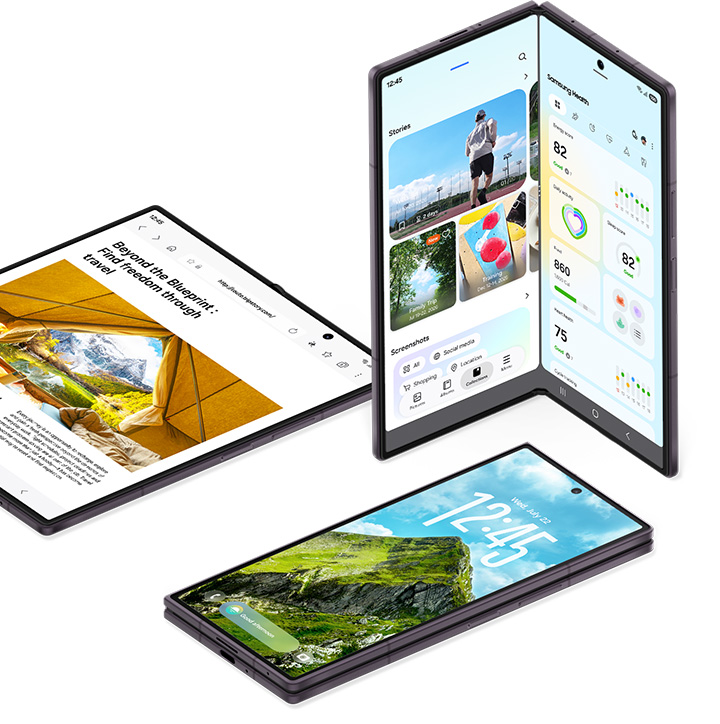
The Galaxy Z Fold8 gives you more workspace on the move, letting you check messages, research and take notes without carrying a separate device. Its foldable design shifts between a compact cover screen for quick tasks and a larger main display when you need room to work.
The 5.5-inch cover screen, with a 10:16 aspect ratio, handles calls, messages, browsing and calendar checks without opening the phone. Unfolding the device reveals a 7.6-inch main display with a 4:3 aspect ratio for fuller apps and multitasking. At 201 grams, the Fold8 is also Samsung’s lightest Galaxy Z Fold yet, which helps during longer working sessions or when carrying it around.
Keep research and notes side by side
Multi Window lets you run compatible apps side by side, for example Samsung Internet next to Samsung Notes so you can read a webpage and write notes without switching apps. A document can sit alongside a conversation the same way, keeping the information you reply about visible while you type. The Fold8 supports two-way and three-way Split View with compatible apps, and you can drag and drop supported content between open windows. For example, an image from Samsung Internet can be dropped directly into Samsung Notes instead of using multiple copy-and-paste steps. App and content support varies by app and content type.
Galaxy AI for research and planning
Galaxy AI features assist research and planning on the Fold8. Browsing Assist in Samsung Internet can summarize longer webpages or translate their content, so you can keep a summary visible alongside your notes. Now Brief brings schedule items, reminders, weather and other personalized updates into a single overview, letting you check what’s coming up without opening several apps. Now Nudge can suggest actions based on what’s on screen, such as adding a date and time from a conversation to your calendar. On the Fold8, supported actions can open the relevant app alongside that conversation in Multi Window while keeping the original message visible. A video demonstrates how these features work together, from researching and taking notes to keeping a conversation visible while checking your calendar.
Galaxy Z Fold8 display and productivity specifications
Weight: 201g
Cover screen: 5.5 inches; 10:16 aspect ratio
Main screen: 7.6 inches; 4:3 aspect ratio
Split View: Two-way and three-way; supported apps
Drag and drop: Supported content between compatible apps
