

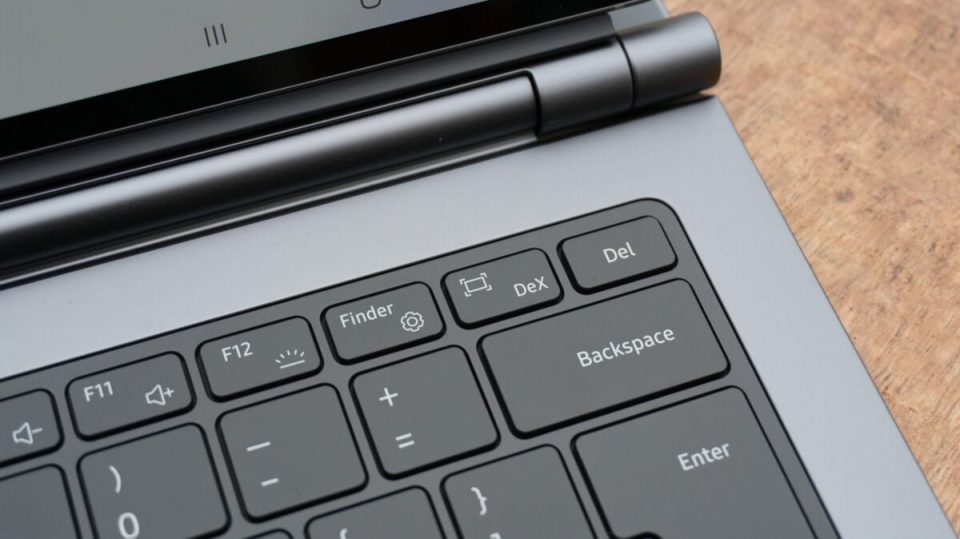
Samsung DeX now recognizes Apple keyboard layouts and lets users snap windows with Cmd + arrow key shortcuts on compatible Galaxy devices. The feature is available on Samsung Galaxy devices running One UI 8.5 or later and is off by default.
Samsung DeX: enable Cmd + arrow window snapping
To turn the Cmd + arrow snap-window function on, go to: Settings > Connected devices > Samsung DeX > turn Cmd + arrows to move windows ON. Windows keyboard users can continue snapping windows using the Windows + arrow keys as before.
Limitations and UI differences
A caveat: if you enable Cmd + arrow shortcuts, you will no longer be able to navigate “back” with the Cmd + left arrow combo. Separately, the Auto hide status bar and taskbar option in Samsung DeX was added with One UI 9.0; if you do not see that option on your Galaxy phone, it is likely running One UI 8.5 rather than One UI 9.0.
