

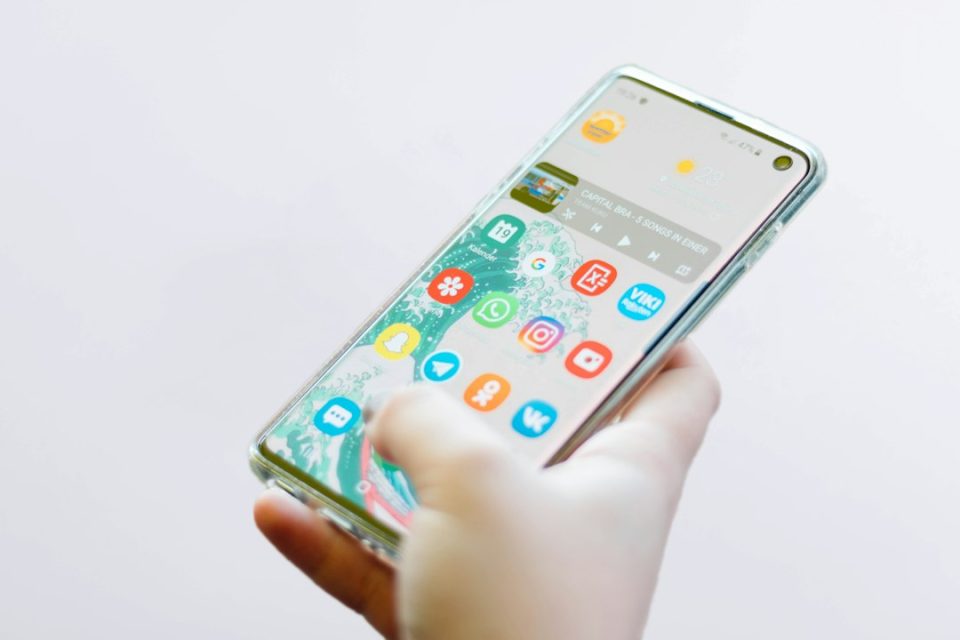
Samsung’s stable One UI 9 update is rolling out to a growing number of Galaxy devices, and the company appears on track to complete the rollout by the end of November based on the current pace. While many expected features arrived, several items that showed up in leaks or beta builds are not present in the stable release, and some additions remain limited by device model or country.
Leaked One UI 9 features that didn’t make the stable build
Several features seen in teardowns, leaked builds or beta code are absent from stable One UI 9: Tap to Share — a Quick Share-based feature that would let two phones swap contacts, photos and more by holding them together — has been tracked in Android 17 and Google Play services code and was announced by Google in August, with rollout to Pixel 6 and newer first and select Galaxy foldables listed as “coming soon.” However, Tap to Share is not present on tested Galaxy S26 Ultra, Z Fold 8 or Z Fold 8 Ultra devices, and there are no confirmed reports of it working on any Galaxy phone.
An MTE (Memory Tagging Extension) switch in Auto Blocker, found in an APK teardown, has not appeared in beta changelogs or on tested devices. Code in Android 17 Beta 3 hinted at Notification Rules (per-app or per-person notification muting), but on tested Galaxy phones the existing notification filtering remains unchanged. Photo Assist prompt suggestions seen in leaked One UI 9 builds (suggested edit prompts after analyzing a photo) are also missing from the stable release: Photo Assist shows a “Describe what to change” box but no suggested prompts.
Samsung did not actually promise these leaked features for the stable release; many were discovered in hidden code or leaks and therefore never guaranteed to reach public builds.
Features already present in One UI 9
Some features that leaked under other names are available in stable One UI 9. Driving Insights appears as a weekly Driving report. Bixby Gesture wake-up arrived on the S26 with Beta 7 and is reported to work there. Priority notifications in Now Brief are available, and notification summaries were already introduced with One UI 8.5 (the S25 received them in June).
Network-level app blocking from earlier reports is present as AI Network Guard, hidden in Connectivity Labs. To unlock it: Settings > Connections > Wi‑Fi, tap the three dots, choose Intelligent Wi‑Fi, then tap it seven times to unlock Connectivity Labs. Auto Blocker also gained a Security Report now labeled the Blocked installation report, reachable at Settings > Security and privacy > Auto Blocker (tap the chart icon at the top right). Auto Blocker’s Maximum restrictions now include an option to block USB connections while the phone is locked.
What the Galaxy S26 offers that older phones may not
Several camera and video features are available on the Galaxy S26 series and some 2026 foldables but are absent or inconsistent on older models: USB webcam mode lets an S26 act as a PC webcam when plugged into a Mac or Windows PC — plug a Galaxy S26 in, tap “Tap for other USB options,” and pick Webcam (note: it does not send audio). Camera Assistant on the S26 adds a 24MP option to the regular Camera app (previously 24MP was only in Expert RAW); the Z Fold 8 also has the 24MP option, but the S25 series still lacks the 24MP Camera app option, though Expert RAW on the S25 continues to shoot 24MP.
Pro video mode on the S26 adds additional frame rates: 100, 50, 48 and 25 fps at Full HD and UHD, plus 25 fps at 8K. By contrast, the S25 at Full HD and UHD remains limited to 120, 60, 30 and 24 fps. Horizontal Lock (a Super Steady option that keeps the horizon level) arrived on the S26 series and several 2026 foldables; the S25 did not get it with One UI 8.5 but One UI 9 adds it to at least the S25 flagship trio. The Galaxy S24 series, however, is still missing Horizontal Lock.
Notification highlights, a Galaxy AI tool that prioritizes and summarizes notifications, is available on the S26 series, S26 FE, Z Fold 8, Z Fold 8 Ultra, Z Flip 8, S25 series, Z Fold 7 and Z Flip 7 — the Galaxy S24 series is not listed as receiving it.
My FanCam, which isolates a single person in a video and creates a new clip following them, is present on the S25 series and is listed in One UI 9 changelogs for the S24, Z Fold 6 and Z Flip 6. Several 2023 flagships likely won’t receive My FanCam: One UI 9 changelogs for the S23 Ultra (in Korean) list only an Interpreter conversation scroll-back feature and do not include My FanCam; Z Fold 5 and Z Flip 5 changelogs also do not list it.
Bixby Gesture wake-up and device coverage
Gesture wake-up — raising the phone to your mouth to start Bixby without a button or wake word — first appeared on the Z Fold 8 series and arrived on the S26 with One UI 9 Beta 7. It is present in Bixby settings on tested S26 Ultra devices (Bixby version 4.1.21.2). Coverage on older phones is unclear: the feature is missing on the S25, and reports suggest the absence may be due to a Bixby app bug rather than a hardware limitation. Samsung support has requested logs but has not explained the absence.
Country and app limitations
Some features depend on region or on third-party app support. Scam Detection in the Phone app is Google’s feature integrated into Samsung’s Phone app: it warns with a sound and vibration on calls from numbers not in contacts when the call looks like a scam. Google announced it for the Galaxy S26 in February for English in the US; Samsung says Scam Detection will be available with One UI 9 in Japan, Canada and India. No European country appears on Samsung’s published list, and a UK team member reports not having the feature. Google already offers Scam Detection on most Pixel 9 and newer phones in the UK, Germany, France, Ireland, Italy and Spain. An Android Authority teardown found code suggesting potential support on the S25 series, Fold 7 and Flip 7; a team member in India has Scam Detection on a Galaxy S25 Ultra running One UI 9, but availability on Fold 7 and Flip 7 has not been confirmed.
One UI 9 can also show WhatsApp and Google Meet calls in the Phone app’s Recents. The setting (Phone app > three dots > Show calls from other apps, or Phone app settings > Other call settings > Other calling apps) exists on some devices, but its behavior is inconsistent: on tested S26 Ultra units WhatsApp and Meet calls showed up intermittently or not at all, and other users report the setting without call entries. The functionality relies on calling apps adopting Android’s newer call-log integration, so the issue may be on the calling-app side rather than Samsung’s.
Workarounds and how to check your phone
If a feature is unavailable: Camera Share can turn select Galaxy S and Z phones into a wireless webcam for a Galaxy Book or Galaxy tablet on the same Samsung account. Expert RAW still shoots 24MP on the S25. Quick Share continues to work from the share menu when Tap to Share is absent. If Gesture wake-up is missing, use the “Hi, Bixby” phrase or long-press the side key if it’s configured to open Bixby.
To check for updates: go to Settings > Software update and tap Check for updates (on some phones the button is labeled Download and install). Some features arrive via Google Play services, Galaxy Store or Good Lock rather than a One UI update.
We will update this list as leaked or missing features appear in stable builds or expand to more models and regions.
