

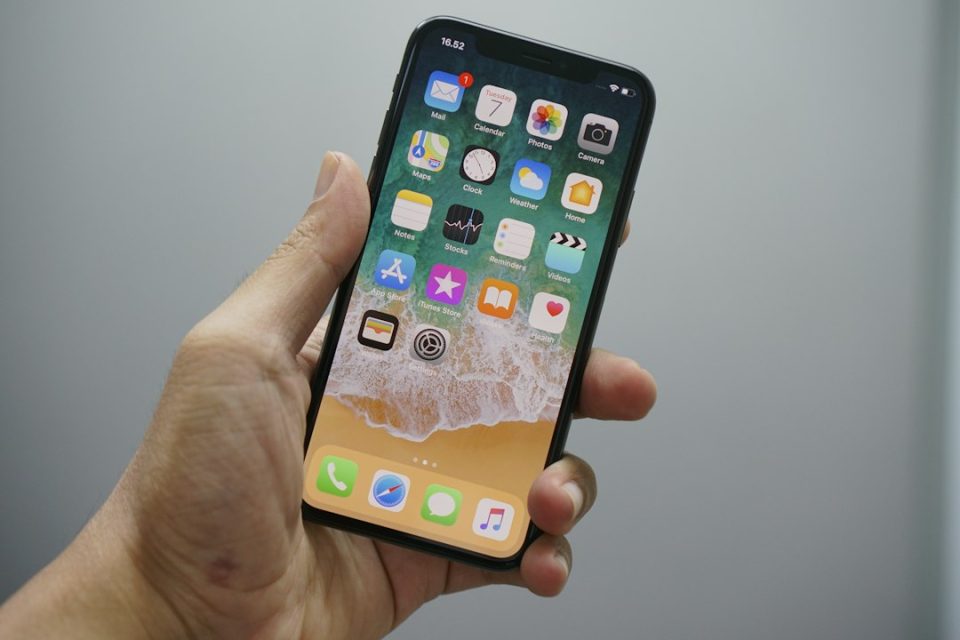
When iOS 27 first arrived in June, we began producing a series of in-depth feature guides and how-tos that walk through the updates in Apple’s new software. This ultimate guide brings all of our iOS 27 coverage together in one place, organized by feature to help iPhone and iPad users new to iOS 27 or anyone seeking a concise recap.
iOS 27 features
Our coverage is organized by the following features and areas: Liquid Glass; Siri and Apple Intelligence; Messages; Phone and FaceTime; AirPods; Safari; Apple Maps; Mail; Calendar, Reminders, and Notes; Photos; Wallet; Health; Weather; Home and HomePod; Shortcuts; Lock Screen; Control Center and Settings; CarPlay; Find My; Apple TV; iCloud; Screen Time and Parental Controls; Performance and Recovery; Limited and Delayed Features; Read More.
We also maintain a complete iOS 27 roundup that provides an overview of all the new features in one place and is recommended for readers who want the smaller details that did not make it into our individual guides and how-tos.
