

Samsung Memory is a new Galaxy AI–powered app that Samsung is developing to help users save and organize screenshots, links, text and voice notes. The app was discovered ahead of the company’s One UI 9.5 announcement as Samsung finishes the One UI 9.0 rollout.
How Samsung Memory organizes saved content
According to the app’s onboarding screens, Memory lets you “Save memories from anywhere” and then uses artificial intelligence to generate a title, summarize the content, add relevant tags and group related items into collections. The app can recognize when a screenshot contains a webpage and retrieve the original page’s link, allowing users to revisit the source without manually searching for it. When a webpage link is pasted into Memory, the app automatically retrieves the page title, creates a short description and extracts relevant information to form a structured entry with searchable tags.
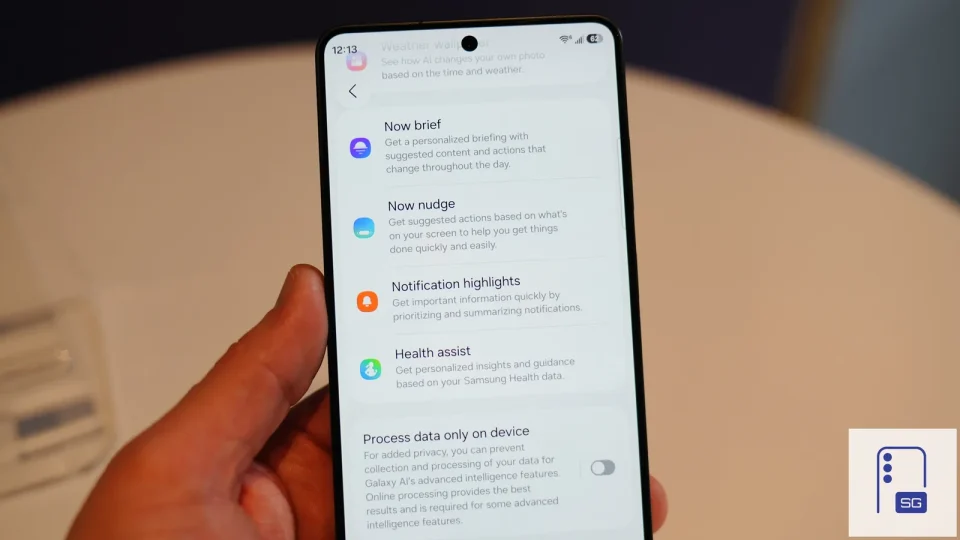
Users can edit generated titles, mark entries as favourites, lock them, add them to collections or delete them. The app also appears in the Galaxy AI section of Settings and includes an activation toggle.
Saving content to Samsung Memory
Memory supports multiple ways to store content: take screenshots by swiping down with three fingers, record voice notes by pressing and holding the Volume Up and Side buttons, import content from other apps via the Share sheet, or save links and text by copying and pasting them into the app. When recording a voice note, Memory displays a voice‑input prompt reading “Say what’s on your mind,” then analyses the recording and converts it into an organised memory with a title, summary and tags.
Samsung’s Memory bears similarity to the company’s Collection app available in the Chinese market and resembles Google’s Pixel Screenshots and OPPO’s Mind Space in function. The source material does not provide a release date or timing for when Samsung will make Memory available.
