

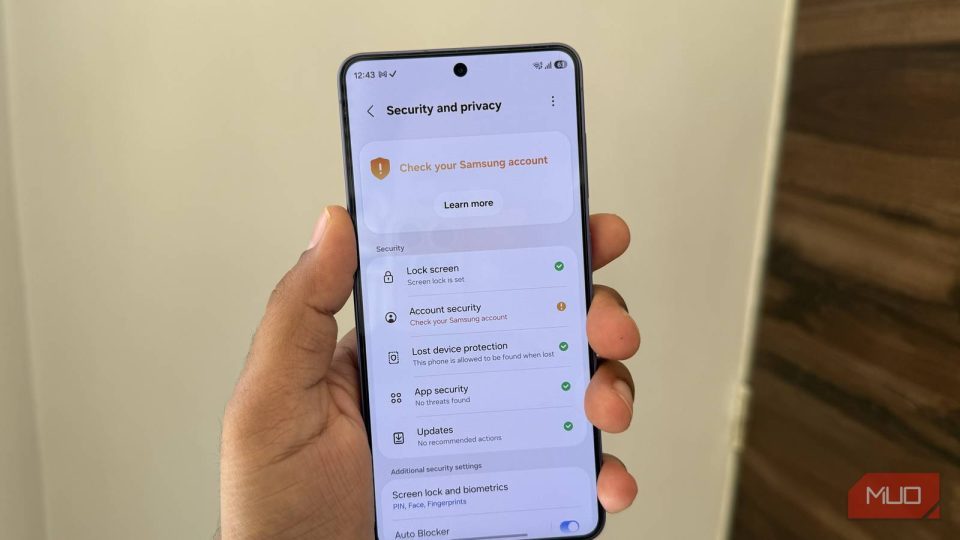
One UI 9 drastically reduces the number of PIN, password or pattern attempts allowed before a phone is permanently locked: on the 13th failed attempt the device becomes permanently locked and can only be reused after a factory reset.
A change designed to thwart brute-force attacks
Samsung frames this change as strengthened protection against brute-force attacks, where an attacker tries many possible unlock codes. To make such attacks harder, One UI 9 introduces temporary lockout periods starting on the fifth failed attempt and progressively increases the delays, culminating in a permanent lock after the 13th failure.
Lockout durations by number of failed attempts
– 5 attempts: 1 minute
– 6 attempts: 5 minutes
– 7 attempts: 15 minutes
– 8 attempts: 30 minutes
– 9 attempts: 90 minutes
– 10 attempts: 4 hours
– 11 attempts: 12 hours
– 12 attempts: 24 hours
– 13 attempts: permanent lock (factory reset required)
One UI 9 and the attempt counter
The system will display the number of remaining attempts once the warning threshold is reached. Also, entering the same incorrect credential multiple times in a row does not count as separate attempts, so a user who repeats the same mistake won’t be unfairly penalized.
Which devices are affected?
This policy applies to devices shipped with One UI 9.0 preinstalled, not to all phones upgraded to One UI 9. As of July 25, 2026, affected devices include those launched with this version—notably the Galaxy Z Fold 8, Z Fold 8 Ultra and Z Flip 8. The One UI 9 beta on the Galaxy S26 does not include these changes.
Biometrics and fallback codes: keep them handy
Users who rely primarily on biometrics (fingerprint or face unlock) should remember their fallback PIN, password or pattern. Android requires those credentials in certain situations—after a reboot or periodically (for example, every 72 hours)—and forgetting them could make a factory reset unavoidable.
Accidental touches and existing protections
Samsung acknowledges that stricter error thresholds raise the risk of accidental inputs (for example, in a pocket). Galaxy phones already include Accidental Touch Protection; make sure it’s enabled in Settings > Display to reduce unintended unlock attempts.
Bottom line
One UI 9 tightens lock-screen security by limiting and progressively penalizing repeated unlock attempts up to a permanent lock on the 13th failure. The change is meant to counter brute-force attacks, but it increases the importance of remembering fallback credentials and ensuring accidental-touch protections are enabled.
