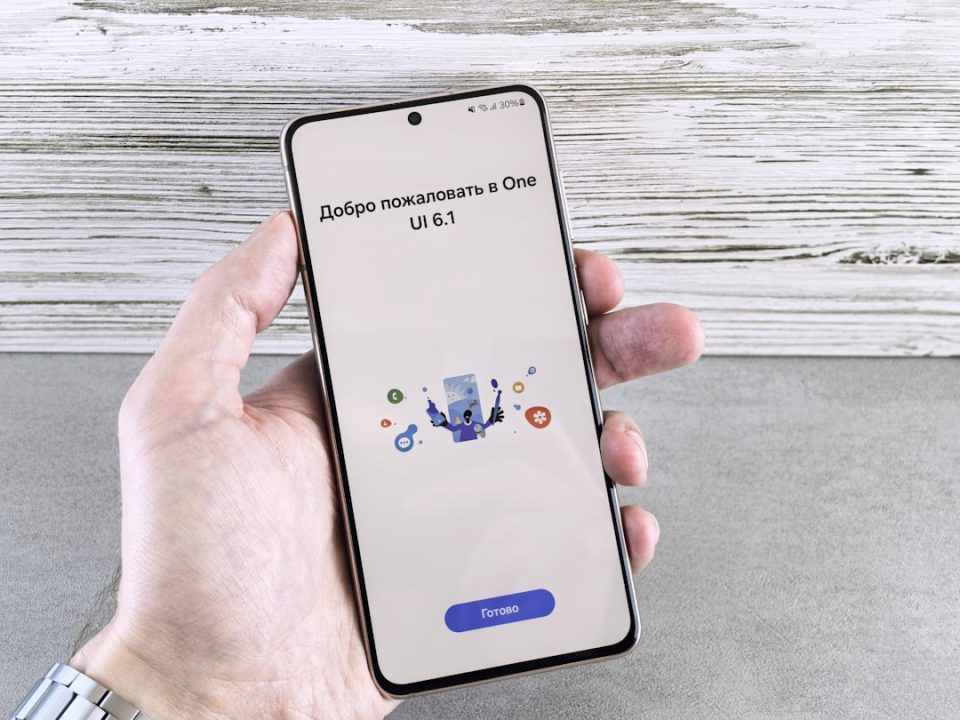
Using a smartphone with a high refresh rate display enhances the user experience with smoother animations and transitions. However, these displays can consume more battery, especially when running at their maximum refresh rate. Galaxy smartphones, including the budget-friendly Galaxy A07 5G and flagship models, feature high refresh rate displays. While these displays improve the visual experience, not all apps require the maximum refresh rate. For instance, YouTube videos typically run at 25 fps, yet the app uses the full refresh rate during active use. This can be unnecessary, especially when the phone automatically reduces the refresh rate during video playback without interaction. Samsung’s Display Assistant app allows users to set specific apps to run at a standard 60Hz refresh rate, potentially saving battery life over time. This feature is available for Galaxy devices with One UI 7.0 (Android 15) and newer. Users can download the app from the Galaxy Store or install it manually if necessary. Once installed, apps can be individually set to run at the standard refresh rate, and adjustments can be made easily if needed.
How can you cap the refresh rate on certain apps on your Galaxy phone?