

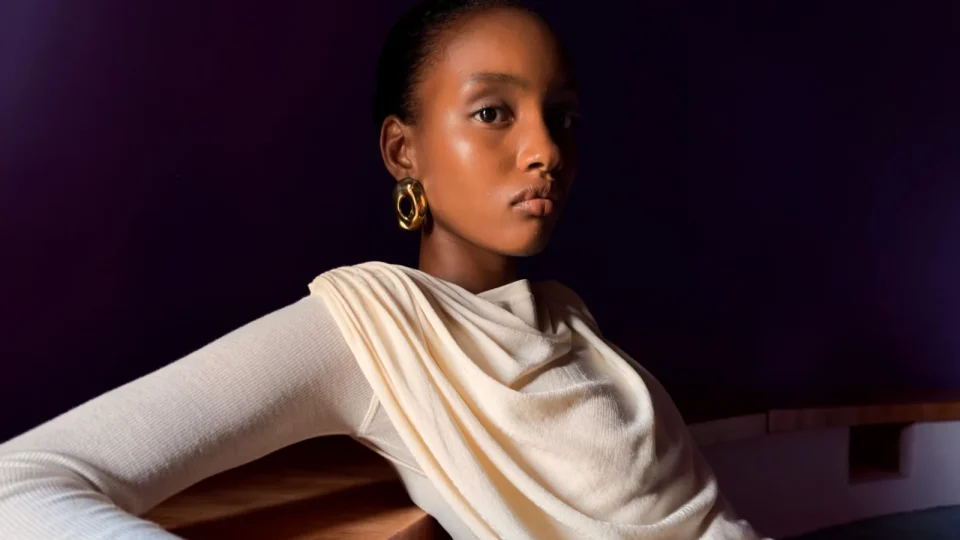
The iPhone 18 Pro and iPhone 18 Pro Max let you adjust texture and film grain within the new Photographic Styles 3, extending the camera’s tone and color presets with controls that build on a redesigned computational imaging pipeline for the 48‑megapixel Fusion Main camera.
Photographic Styles apply color and warmth as a photo is captured while preserving skin tones; Photographic Styles 3 adds texture and grain controls that offer more creative control over the appearance of shots taken with the sharper, more detailed imaging pipeline.
Using Texture and Grain on iPhone 18 Pro
To access the new controls in the Camera app, tap the button with six dots at the bottom‑right of the interface and select Styles from the control pane. Swipe to the style you want and tap Customize. Use the square palette to adjust tone and color simultaneously, or the + and – dial below it to adjust them separately. When ready, tap Texture and choose from Soft Skin, Glow, or Film. Drag the slider below to set the intensity, or choose Standard to apply no texture. Tap Grain to add film grain to any selected texture and adjust its intensity. When you’re satisfied with the settings, take the photo.
Note that the texture and grain effects are applied after you take the photo.
Set, remove or reset a Photographic Style
When you first open the Camera app on an iPhone 18 Pro, you may be prompted to choose a default Photographic Style that sets the overall mood before capture; you can accept that default or dismiss the prompt and apply styles per photo. To remove or change a default style later, open the Settings app, tap Camera, tap Photographic Styles, then select Customize Texture, Use Standard, or choose a different style.
You can also adjust a photo’s photographic style after it has been taken; there is a dedicated how‑to article covering that process.
