

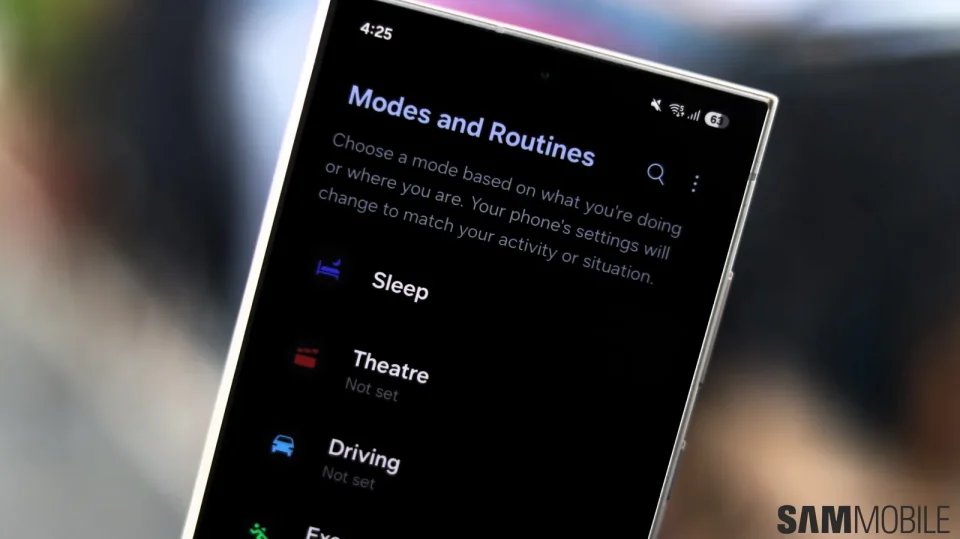
Samsung’s One UI 9.5 adds an Ask AI action to Modes and Routines and introduces seven new preset Routines to help users automate tasks.
One UI 9.5: Ask AI in Modes and Routines
The update quietly adds a new “Ask AI” action under the “Then” options in Modes and Routines; Samsung did not list the change in the official One UI 9.5 beta changelog. The Ask AI action currently supports Google Gemini and Perplexity, does not appear to support Alexa, and Bixby integration remains available via a dedicated section.
When creating a Routine with the Ask AI action, users can type any prompt for the chosen AI assistant to execute. The Routine will run that command whenever it is triggered, either manually or automatically according to the Routine’s conditions.
At present, Gemini integration is imperfect: the Routine copies the prompt and pastes it into Gemini’s text box but requires the user to tap send manually. By contrast, Perplexity responds immediately when called by a Routine. Another limitation is that Modes and Routines cannot retrieve the AI output from Gemini or Perplexity, so responses cannot be pulled back into subsequent actions for chained automations. The source notes that Gemini integration will likely be ironed out before Samsung ships the stable One UI 9.5 alongside the Galaxy S27 series.
Seven new preset Routines
One UI 9.5 also debuts seven preset Routines:
– Meeting recorder: Transcribes and summarizes audio from a meeting recording, then saves the result to Samsung Notes with the corresponding date and time.
– Monthly media cleanup: Surfaces duplicate photos and old media files once a month for review and deletion.
– Monthly storage cleanup: Displays old downloads, APK installation files, and unused apps once a month for review and removal.
– Morning news briefing: Displays a daily summary of the latest business, society, and stock market news when the morning alarm is dismissed.
– Screenshot translation: Extracts text from a screenshot and displays the translation in a pop-up menu.
– Plank workout routine: Provides voice guidance through three sets of one-minute planks with rest intervals.
– Pomodoro timer: Sends notifications at the start of each 25-minute focus session, followed by a five-minute break.
