

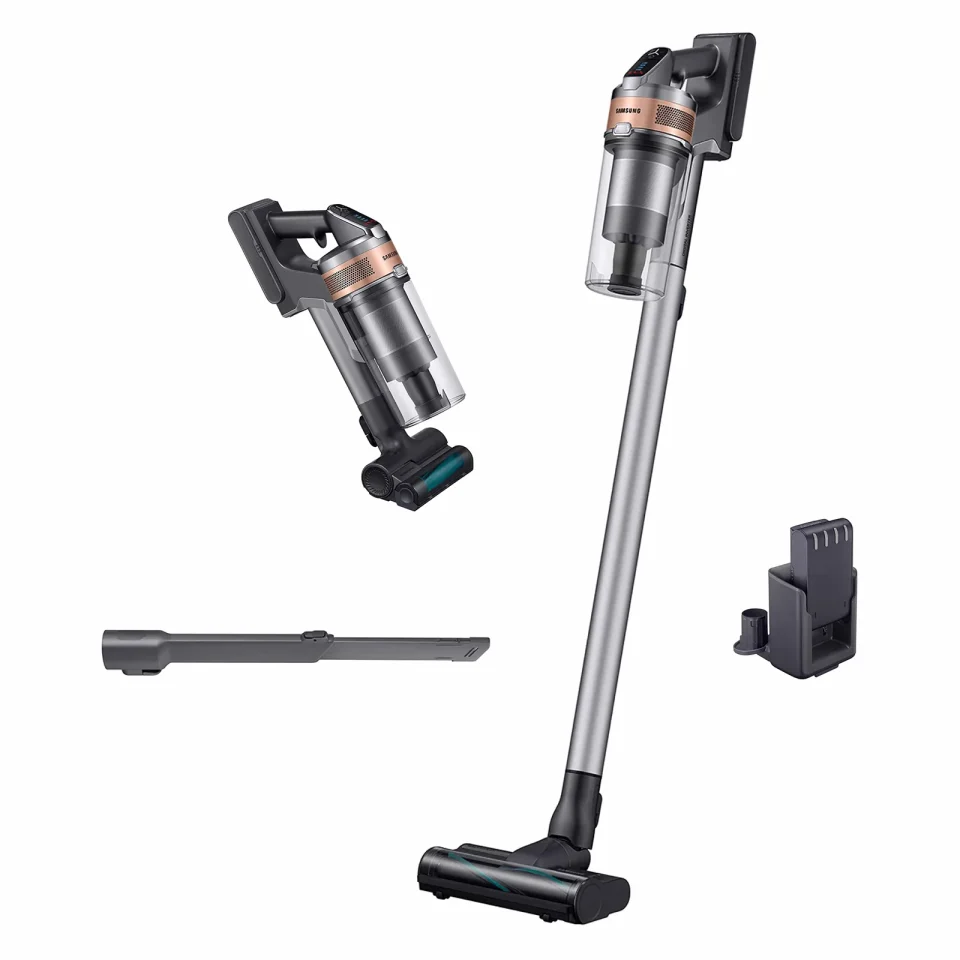
Samsung has rolled out a firmware update for its Bespoke stick vacuum cleaners that adds a Do Not Disturb option in SmartThings and several improvements to existing features. The update affects Samsung stick vacuums that ship with and support the Clean Station and includes security patches and bug fixes.
Samsung stick vacuum update details
The new Do Not Disturb setting can be configured via SmartThings; during the set hours the Clean Station will not perform automatic disposal, though the dust bin can still be emptied manually using the dedicated button. The update also makes the battery level visible on the SmartThings device card and triggers a SmartThings notification if the battery overheats. Samsung says response time when using the Active Dual brush has been improved. The firmware package also includes security patches and unspecified bug fixes.
User testing and practical impact
After installing the update on a Bespoke AI Jet Ultra, we did not notice a significant change in the Active Dual brush’s response time and will need further testing to confirm improvements. The addition of Do Not Disturb is likely to be useful for owners who find the Clean Station noisy during its automatic disposal cycles, since it prevents automatic runs during chosen quiet hours while leaving manual disposal available.
Compatibility and how to install
These features apply only to Samsung stick vacuum cleaners that support the Clean Station, which is required for SmartThings connectivity. The Active Dual Brush ships by default with the Bespoke AI Jet Ultra and is offered as an optional attachment for the AI Jet Lite. To check for and install the update, open SmartThings on your phone or tablet, go to Devices, and see whether a new firmware version is waiting to be installed on your vacuum.
