

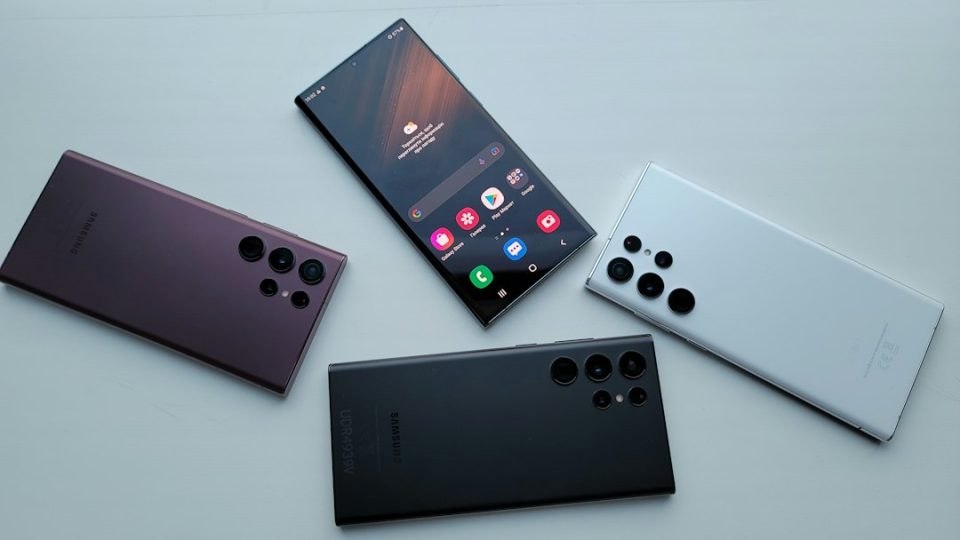
Whether your Android phone is too old to update depends on how long Samsung still supports your model. Samsung now offers up to 7 years of Android OS upgrades and security updates for its flagship Galaxy devices launched from 2023 onward. Mid-range Galaxy A models typically receive 4 years of OS updates and 5 years of security patches, while older budget and mid-range phones may only be covered for 2 to 4 years.
The company increased its support promise starting with the Galaxy S24 series in early 2024 and has kept this policy through the Galaxy S25 lineup and beyond. If you bought a flagship Galaxy phone in 2023 or later, it should receive updates for several more years.
How long do Samsung updates last?
Samsung’s current support generally breaks down as follows:
– Galaxy S series (2023 onward): 7 years of OS and security updates
– Galaxy Z Fold and Z Flip (2023 onward): 7 years of OS and security updates
– Galaxy A series (recent models): 4 years of OS updates and 5 years of security patches
– Older budget and mid-range models: 2 to 4 years of updates, depending on release date
These ranges depend on the device’s release date and which product family it belongs to.
How to check if your phone is still getting updates
To see whether your Samsung phone is still receiving Android updates, go to Settings > Software update > Download and install. A supported device will either show a new update available or confirm that your software is up to date. If support has ended, the phone may report no updates available even if the installed software is outdated.
Find your exact model number in Settings > About phone, then compare that model against Samsung’s published security update schedule or monthly security update bulletins to confirm end-of-support dates.
What happens when support ends?
When a Samsung phone stops receiving updates it keeps working, but you should expect:
– Security gaps: The device will no longer get security patches, increasing vulnerability to malware and data theft, especially for banking or shopping apps
– App compatibility issues: Developers may stop supporting older Android versions, so some apps can break or refuse to install
– No new features: You will miss updates to One UI, camera software and other built-in improvements
– Performance stays the same: The phone won’t suddenly slow down, but it won’t receive optimization updates either
For basic tasks like calls, texts and web browsing an unsupported phone can remain usable for a while; however, using an unsupported device for sensitive activities carries real risk.
Which Samsung phones are no longer supported in 2025?
By 2025, several Samsung models had reached the end of their software support windows. Generally, any Galaxy phone released before 2020 is unlikely to be receiving security updates in 2025, and some models from 2020 to 2021 have also aged out, depending on their range.
Models that have typically fallen out of support include:
– Galaxy S10 series (released 2019)
– Galaxy S20 series (most models ended security updates by 2024 to 2025)
– Galaxy A series phones from 2019 and 2020
– Galaxy Note 10 series (released 2019)
– Older Galaxy J and Galaxy M models from 2019 or earlier
Because Samsung does not always announce end-of-support dates loudly, confirming whether a model appears in the manufacturer’s latest security update bulletin is the most reliable method.
Should you upgrade or keep using an older Android?
Your decision should hinge on two factors: whether the phone still receives security updates and whether it meets your daily needs. Consider upgrading if the device no longer receives patches and you use it for sensitive tasks. If it is still supported and performs well for everyday use, there is no urgent need to replace it.
Ask yourself:
– Is my phone still receiving security patches? If not, and you use mobile banking or store personal data, upgrading is the safer choice
– Are apps starting to fail or refuse to install? That indicates your Android version may be too old
– Does the battery last through the day? Battery degradation is a separate issue but often accompanies an aging device
– Does the phone still feel responsive? If everyday tasks are slow or frustrating, a newer model will improve the experience
If you decide to upgrade, Samsung’s current lineup includes flagship models with a 7-year update promise and mid-range options with multi-year support. If your phone remains supported and suits your needs, you can keep using it until circumstances change.
