

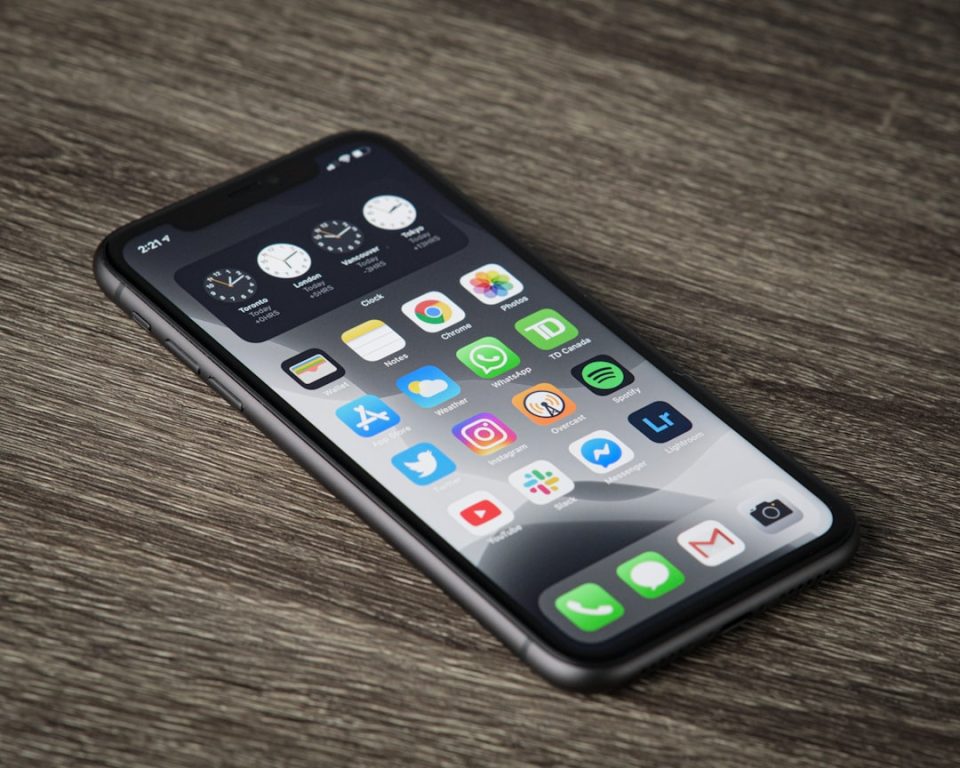
Many iPhone users are familiar with basic functions like taking photos and sending messages, but Apple has discreetly integrated numerous lesser-known features that can significantly enhance the user experience. Among these, the Back Tap feature allows users to perform actions by tapping the back of their phone, which can be especially useful in situations like cooking or when hands are wet. Text Replacement Shortcuts offer a time-saving solution by allowing users to create abbreviations that expand into full phrases or email addresses. For capturing spontaneous moments, a long-press on the shutter button in Photo mode instantly starts video recording, eliminating the need to switch modes.
Live Text is another innovative feature that enables users to copy text directly from images, such as menus or notes, with ease. The Calculator app includes a simple swipe gesture to delete the last digit entered, preventing the frustration of restarting calculations. Privacy is enhanced with Hide My Email, which generates temporary email addresses, and the ability to lock individual apps with Face ID, ensuring sensitive information remains secure. The Hidden Photos folder now also requires Face ID for access.
Visual Look Up provides information about objects or landmarks in photos, while Burst Mode, activated by holding the Volume Up button, captures rapid sequences of images, ideal for photographing fast-moving subjects. These features are quick to set up and promise to become indispensable tools for iPhone users.
