

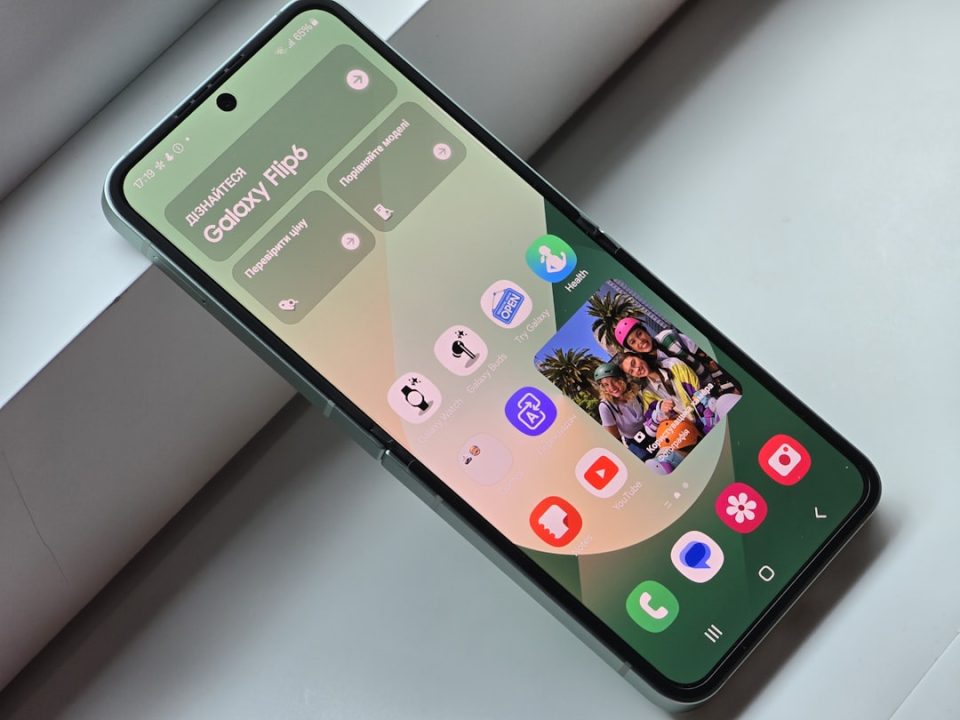
One UI 8.5 offers extensive customization options for your Galaxy phone, from basic settings to advanced tweaks using Samsung’s Good Lock app. Start with the Quick Panel, which can be resized and rearranged by accessing the edit icon. For more detailed control, the Good Lock app and its QuickStar module allow for even greater customization of toggle sizes.
The camera interface can also be streamlined using Good Lock’s Camera Assistant, which lets you remove unnecessary indicators for a cleaner viewfinder. In Photo and Video modes, some indicators like Log and HDR remain visible due to their settings elsewhere.
Home Up, another Good Lock module, introduces customizable home screen folder sizes. After installing, you can resize folders by enabling the Custom setting under the Large folder menu.
One UI 8.5 also enhances privacy with the Private Album feature in the Gallery app, allowing you to hide photos and videos behind a fingerprint or passcode. Access these by selecting the Private album from the Gallery menu.
Creative Studio revamps wallpaper creation by blending your photos with AI-generated styles. Choose a style, add a photo, and describe your desired outcome to generate unique wallpapers.
Finally, Samsung DeX now supports desktop widgets, enhancing the desktop layout with a tablet-like feel. Widgets can be added by right-clicking on the DeX home screen, offering a more personalized desktop experience.
