

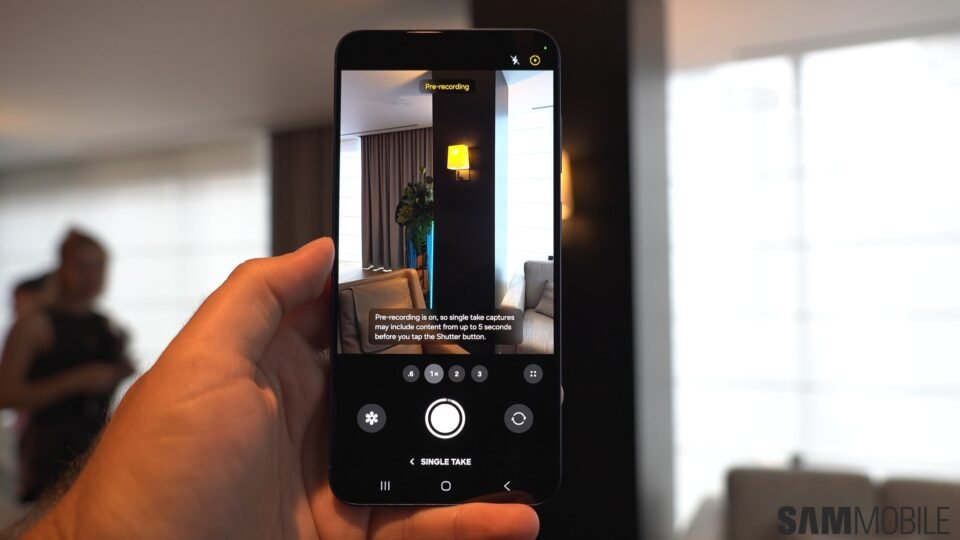
Users participating in the One UI 8.5 beta on their Galaxy S25, S25+, or S25 Ultra may have noticed the absence of the Dual Rec and Single Take modes in the Camera app. Samsung’s decision to remove these popular features has left many disappointed. However, there’s a solution. The company has introduced a separate app, Camera Assistant, which now allows users to enable these modes once again.
To restore these features, users need to download or update to the latest version of Camera Assistant, version 4.5.00.13, from the Galaxy Store. If unavailable, the app can be manually installed using its APK file. Once installed, users should open Camera Assistant, navigate to the Additional modes section, and activate the toggles for Single Take and Dual Rec. These steps will restore the modes to the camera’s selector, offering a seamless experience akin to previous versions.
