

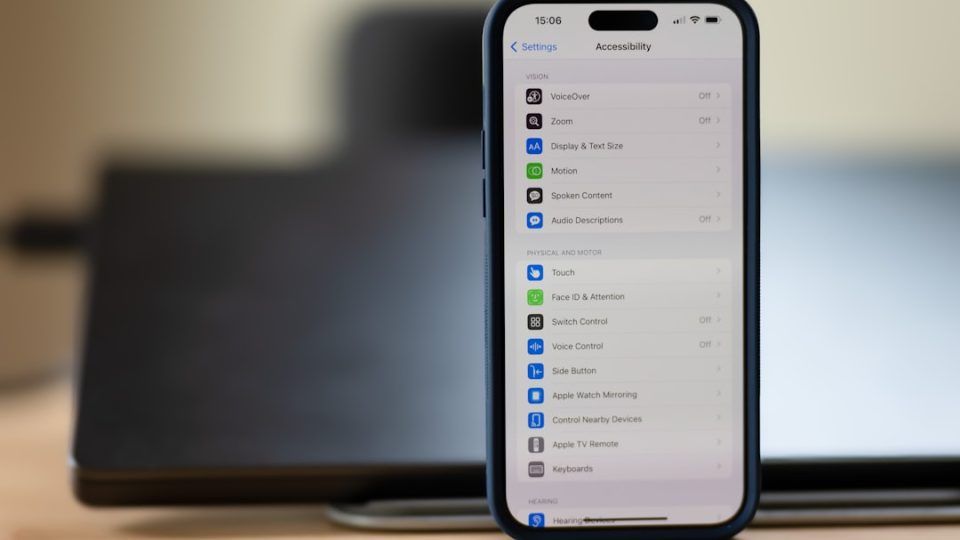
The iPhone is more than just a communication device; it’s a powerful tool designed to improve productivity and simplify daily tasks. While many features are widely recognized, there are hidden gems that can significantly enhance user experience. Here are ten standout features that can help you work smarter, stay organized, and maximize your device’s potential.
Firstly, currency conversion is effortless on your iPhone, eliminating the need for third-party apps. By simply long-pressing on a currency value, your device instantly displays the equivalent in your local currency with real-time exchange rates. This is particularly useful for international travelers or online shoppers.
Safari users can easily recover closed tabs, preventing workflow disruptions. By accessing the “All Tabs” view and long-pressing the “+” button, users can restore recently closed tabs, aiding multitasking and research.
The action button offers customization options, allowing users to assign shortcuts to frequently used tools, enhancing device intuitiveness and personalization.
iMessage app organization can declutter the interface, enabling users to prioritize tools such as stickers and payment apps for a smoother messaging experience.
The Podcasts app allows users to adjust playback speed, catering to individual listening preferences and ensuring clarity in fast-paced or detailed discussions.
The Reminders app offers an “urgent” marking feature, triggering timely alarms to manage time-sensitive tasks effectively.
Grayscale mode helps reduce distractions by removing color from the screen, promoting focus and digital well-being.
Background sounds, accessible via the Control Center, aid concentration and relaxation, while curated playlists on Apple Music offer additional options.
The Calculator app includes unit conversion capabilities, providing quick results for currencies, angles, and data measurements, beneficial for travelers and professionals.
Finally, the Notes app allows audio recording and transcription, offering efficient documentation during meetings or lectures.
These features demonstrate the iPhone’s versatility, showcasing its ability to enhance productivity and adapt to individual needs. Explore these options to unlock the full potential of your device.
