

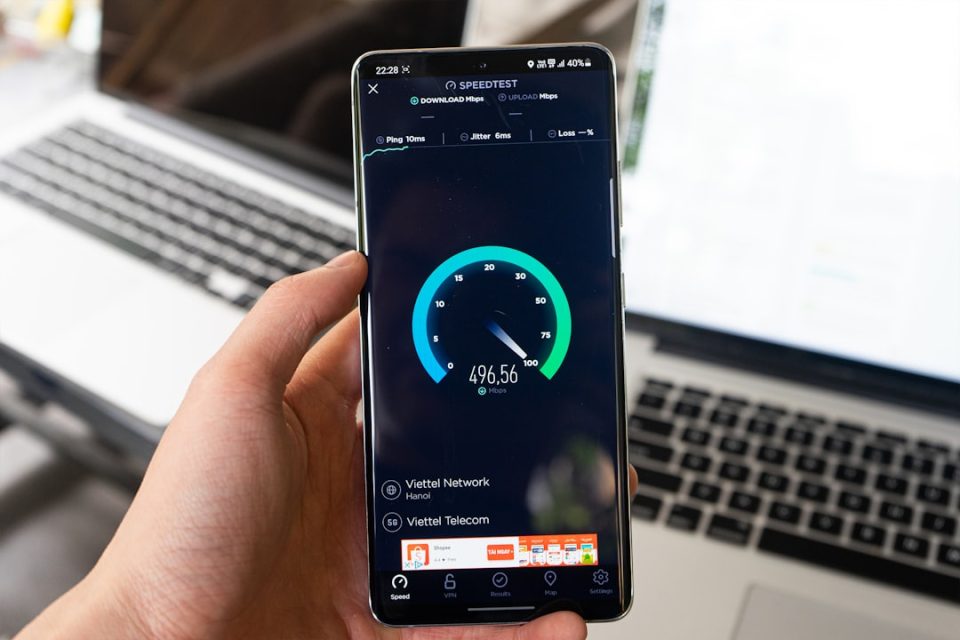
Samsung has finally introduced a long-awaited feature for Galaxy phone users: a real-time network speed indicator in the status bar. Previously, users had to rely on third-party apps or complex methods to see this information. Now, Samsung has integrated this feature through QuickStar, part of the Good Lock customization app. While it’s not a native feature of One UI, it’s the most official version available to date.
The network speed indicator, once enabled, displays live download and upload speeds on the right side of the status bar, measured in kilobytes or megabytes per second. It functions accurately on both Wi-Fi and mobile data connections, allowing users to determine if connectivity issues are due to their connection or an app.
Currently, this feature requires One UI 9, based on Android 17, which is in beta for the Galaxy S26 series in select markets. There is no confirmation yet if it will be available for older versions of One UI or if it will become a native feature in the future.
To activate the network speed indicator, users must ensure their Galaxy S26 is running the One UI 9 beta. Good Lock should be installed from the Galaxy Store or Play Store. If QuickStar isn’t available within Good Lock, users can manually install version 11.0.03.15. Once installed, users can access QuickStar’s features, enabling the Network Speed option to display the indicator in the status bar. This feature can be disabled at any time from the same menu.
