

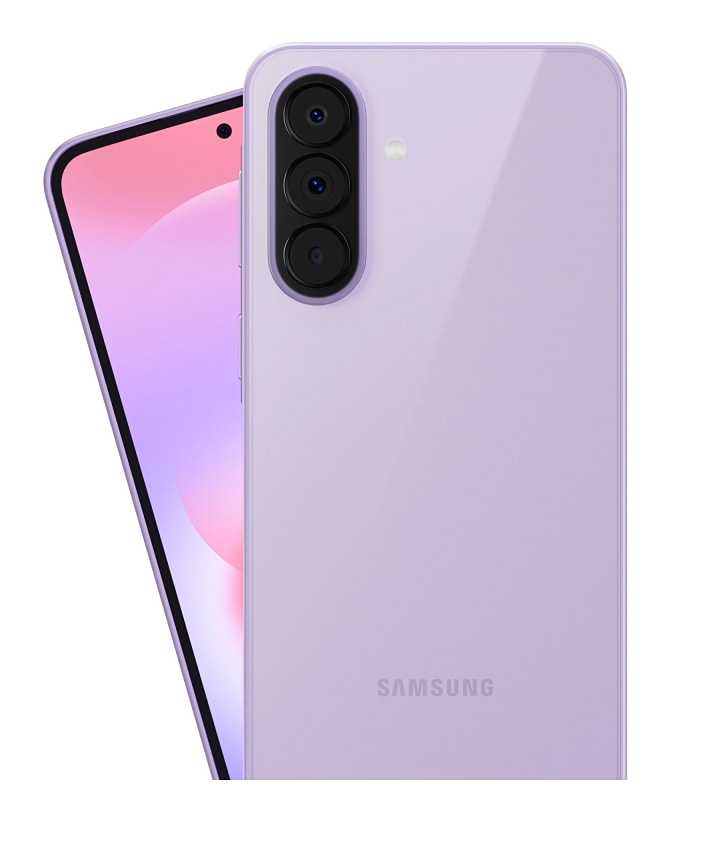
The latest Smart Switch update built into One UI 9 makes moving from an iPhone or iPad to a Galaxy foldable much easier: full wireless transfers without installing an app on the Apple device, plus support for data types that previously required a cable.
Smart Switch redesigned for One UI 9
Samsung’s migration tool Smart Switch has been overhauled in One UI 9 for the newest Galaxy foldables. The headline change is parity between wired and wireless transfers: any category of data that could be moved over a cable can now be transferred wirelessly from an iPhone or iPad. In addition, iOS users no longer need to download the Smart Switch app—the transfer is handled directly via a connection interface and a QR code.
How to perform the transfer
The process is straightforward and guided from the Galaxy device:
– Open Smart Switch on the Galaxy phone.
– Select “Receive on this phone,” then choose “iPhone/iPad.”
– Scan the QR code shown with the iPhone.
– On the iPhone, choose “Transfer to Android” and tap Continue.
– If prompted, scan the QR code again, select the data to transfer, and follow the on-screen instructions.
What can be migrated
The update significantly expands the types of data that can be migrated wirelessly from iOS to the Galaxy Z Flip 8, Z Fold 8 and Fold 8 Ultra. Notable additions include passwords and passkeys, accessibility settings, call history, Wi‑Fi networks and eSIM. The full list also includes:
– Apps (app data)
– Alarms
– Calendars
– Contacts
– Files
– Home screen layout
– Messages (with attachment management options)
– Music
– Notes
– Photos and videos
– Voice memos
– Wallpaper
Availability and requirements
This improved Smart Switch experience is part of One UI 9 and is currently available only on the latest foldable models. It hasn’t appeared yet in One UI 9 beta builds for the Galaxy S26 series, but Samsung is expected to roll it out more widely as stable releases are deployed. On the Apple side, the app-free migration is supported on iPhones and iPads running iOS 26.6 or later.
Why this matters
For users hesitating to switch ecosystems, Smart Switch in One UI 9 removes one of the biggest pain points: the hassle and potential data loss associated with migration. By making wireless transfers as comprehensive as wired ones and eliminating the need for an iOS app, Samsung has significantly simplified switching to its latest foldable devices.
