

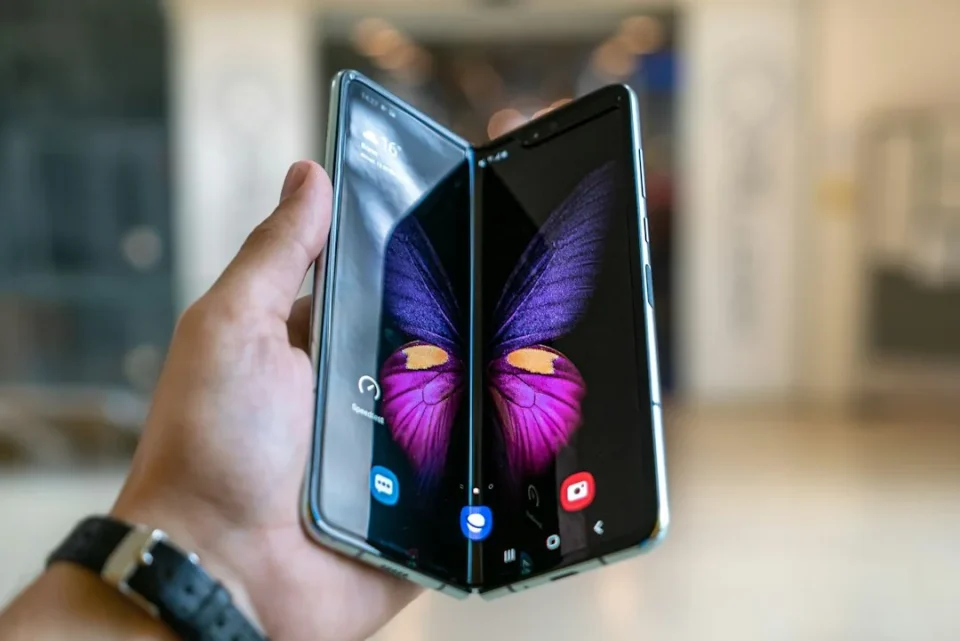
If you own a Samsung Galaxy Z foldable, use One UI’s double tap to wake gesture to check lock‑screen notifications without accidentally unlocking the phone.
Unlike most Galaxy phones with in‑display fingerprint sensors, the Galaxy Z Flip 8, Fold 8 and Fold 8 Ultra place the fingerprint scanner in the physical side key. Many Galaxy users habitually press that side key to wake the screen and view lock‑screen notifications; on these Galaxy Z models, touching the side key with a registered fingerprint also unlocks the phone, and the scanner can be fast enough to unlock before you have a chance to see the lock screen.
You could try using an unregistered finger to wake the device, but that is cumbersome. Some have suggested adding a delay to the fingerprint sensor as Apple did on the iPhone Duo, but Samsung already provides a simpler solution.
One UI includes a double‑tap gesture that turns the screen on. On foldables, that lets you open the display and inspect notifications or Now Brief on the lock screen without touching the side‑mounted fingerprint scanner.
Enable double tap to wake
To confirm the gesture is enabled on your Galaxy Z device, go to: Settings > Advanced features > Motions and gestures > enable Double tap to turn on screen. The feature is enabled by default in One UI, though it may be turned off if you imported settings via SmartSwitch.
Samsung also provides a separate double‑tap gesture to turn the screen off; you can enable one or both gestures for a complete experience. The side key continues to work as before: press and hold it for a fraction of a second to wake the screen and bypass the lock screen while simultaneously unlocking your phone — a single gesture that no longer conflicts with checking notifications via double‑tap.
