

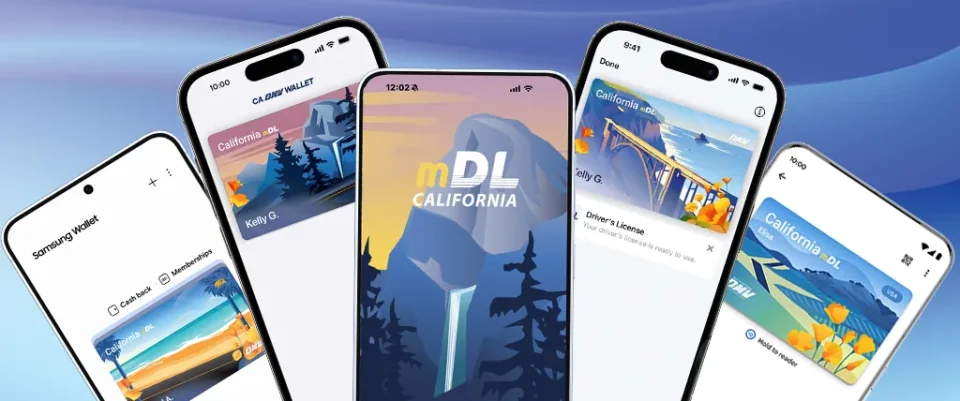
The California Department of Motor Vehicles (DMV) details the three steps drivers must follow to digitize their driver’s license using the official CA DMV app, and lists where the digital format is accepted. The state caps mobile driver’s license (mDL) processing at a quota equal to 60% of licensed drivers.
How to get a digital driver’s license in 3 steps
To use the DMV’s official digital license, first check device compatibility: the app is available on iPhone XS and later with iOS 17.5, and on Apple Watch Series 4 or later or devices running watchOS 10 or higher. The CA DMV app can be downloaded from the Apple App Store or Google Play.
Follow these steps:
1. Download the CA DMV app from the Apple App Store or Google Play.
2. Open the app and sign in to a MyDMV account or create one, providing your ID and the requested information.
3. Follow the on-screen instructions to scan your physical driver’s license card.
After digitizing your license, you can load it into Apple Wallet, Google Wallet, or Samsung Wallet depending on your preference. The DMV also requires users to keep the digital license updated every 30 days by tapping the ‘Update driver’s license’ button in the app.
Where California’s digital driver’s license is accepted
The DMV says the digital driver’s license is accepted — regardless of which wallet or app was used to obtain it — by the following authorities and services:
– TSA at participating airports as acceptable identification.
– TruAge for purchases of age-restricted products.
– The official DMV website as a method for quick sign-in.
– Selected Social Security Administration (SSA) offices in California as proof of identity.
The DMV notes there are additional places that may accept the digital ID, but acceptance can vary depending on the wallet or app it is stored in; the DMV’s website provides lists for each case.
