

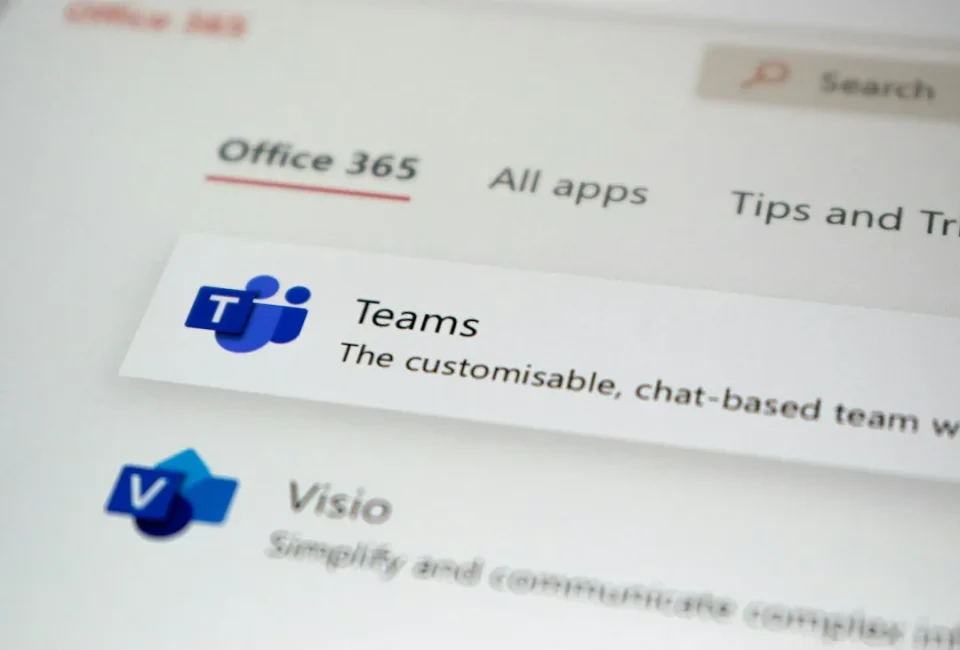
Microsoft 365 went down on Friday morning, taking Outlook email and Teams offline for businesses worldwide. Outage tracker Downdetector logged over 130,000 Outlook reports at its peak around 5:15AM AEDT on the early hours of Friday 13th November. Microsoft labelled the incident a degradation of its business and enterprise services, listing Exchange Online, Teams, SharePoint Online, Copilot and Defender as affected; some servers failed automated health checks and dropped offline, pushing extra load onto the rest. At the time of writing the outage had not been fully resolved.
Microsoft 365 alternatives for chat and meetings
For day-to-day team messaging, Slack is built for collaborative chat: its free plan keeps 90 days of message history and limits calls to one-to-one, which can serve as a stopgap, while paid plans add full history and group calls. For video meetings, Zoom remains a widely used alternative; its free plan covers meetings up to 40 minutes with up to 100 people, and the service has expanded to include a calendar, mail client, basic documents and whiteboards.
Alternatives to Outlook for business email
Business email that needs a custom domain and shared calendars can use Fastmail or Proton Mail. Fastmail, based in Melbourne, offers business plans with calendars and contacts, support for your own domain and a 30-day free trial; it was founded in 1999 and has been independently owned since staff bought it back from Opera in 2013. Proton Mail’s business plan Mail Essentials is priced at EUR €6.99 per user per month billed annually, includes 15GB of storage per user, support for up to three custom domains, a shared calendar and a streamlined migration feature. To help make a switch, see the guide on moving email providers.
Replacing SharePoint and shared storage
SharePoint is among the harder services to replace, but Dropbox and Box provide viable alternatives for many small teams. Dropbox team plans let you share folders across staff and the desktop app can keep entire folders downloaded so they open without a connection, syncing edits back once online. Box’s Starter plan covers three to ten people with 100GB of storage, shared folders and a desktop app that can keep chosen files on your computer for offline use. A NAS (network-attached storage) in your office can also keep shared files locally available over a LAN and, with proper security, be reached online as well.
What to do about Office apps
Installed copies of Word, Excel and PowerPoint continued to work during the outage, though cloud-dependent features such as Copilot and SharePoint Online did not. Microsoft’s desktop apps check licences only once every 30 days, so files stored on your own computer remain accessible. If you want an alternative to the Microsoft apps, LibreOffice — free and open-source software from The Document Foundation, a Berlin-based non-profit — opens and saves Word, Excel and PowerPoint files, requires no account and has no subscription or advertising.
Don’t swap one trap for another
Moving everything to a single new provider still concentrates risk; if you prefer one suite for all services, Proton Workspace is recommended. Regardless of which tools you use, a few habits reduce reliance on any single cloud service: agree on a backup chat channel and make sure everyone can use it before it’s needed; mark key folders to be stored offline; and keep phone numbers and email addresses for staff and key clients outside your primary system. No cloud service is immune to outages, but distributing risk makes it far less likely that one failure takes everything down at once.
