

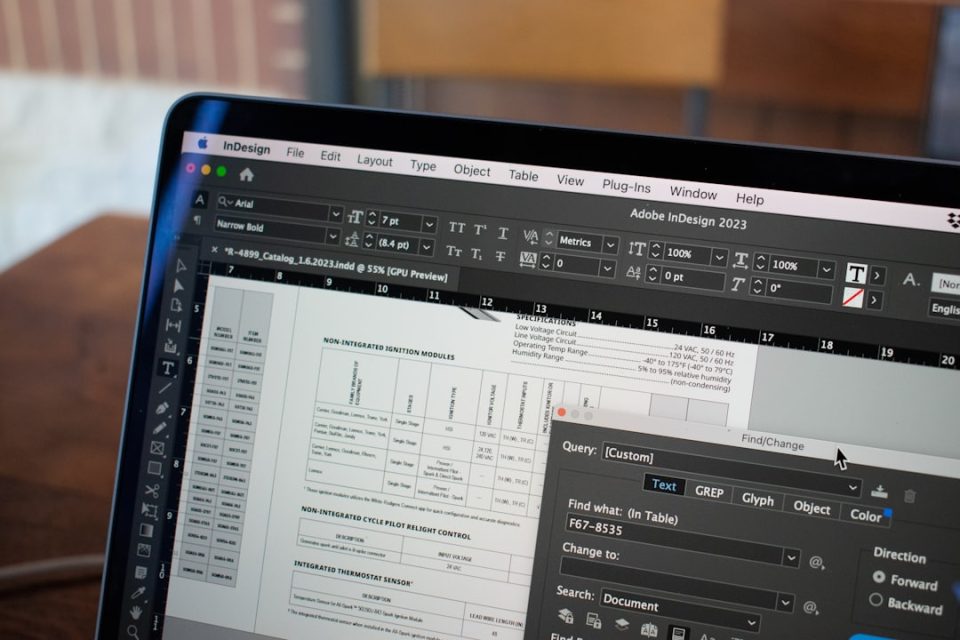
As teams reevaluate Adobe Acrobat’s place in their 2026 tech stacks, rising costs, licensing complexity and underused features are prompting organisations to consider Adobe Acrobat alternatives — with Nitro PDF emerging as a leading choice for experience, value and scalability.
Why teams are looking for Adobe Acrobat alternatives in 2026
Many organisations report three recurring frustrations with Adobe Acrobat: frequent price increases that make per-seat subscriptions harder to justify; overlapping, hard-to-manage licences that create overspend on unused seats; and a unique UI that requires training, lengthening onboarding and reducing productivity when teams change.
How the main alternatives compare
Several PDF solutions are positioned as alternatives for teams evaluating Acrobat:
– Nitro PDF: A complete PDF and eSign suite with a powerful admin portal and built-in AI. Strengths include predictable pricing, integrated PDF editing and eSign capabilities, and AI-driven redaction. Considerations: reduces cost variability and aims to eliminate overage-driven spend.
– Adobe Acrobat Pro: A popular, comprehensive PDF editing solution with deep integration in the Adobe ecosystem. Considerations: tiered, per-user pricing with add-ons that increases cost unpredictability.
– Foxit PDF Editor: A lightweight, flexible alternative offering fast performance and broad feature coverage for general business use. Considerations: add-ons and scaling usage can introduce cost variability.
– PDFelement: Focused on accessibility and ease of use, offering solid core editing and annotation capabilities that suit smaller teams. Considerations: may lack enterprise-level governance, scalability and standardisation.
– Kofax Power PDF: A business-focused product with strong document control and automation capabilities. Strengths include advanced document automation, conversion tools, and security and compliance features. Considerations: implementation complexity and configuration requirements can impact total cost of ownership.
Why Nitro PDF is promoted as a smart alternative
The source presents Nitro PDF as addressing common Acrobat pain points by offering transparent pricing that can save businesses up to 30% compared to Adobe, simplified licensing and reduced vendor sprawl through combined PDF and eSignature capabilities with AI in every plan, and no minimum seat commitments. Nitro is described as providing an intuitive interface that mirrors the Microsoft Office ribbon UI and Apple toolbar for both Windows and Mac users.
Nitro is also said to meet internationally recognised data protection standards and certifications, including ISO 27001, SOC 2, HIPAA and the EU–U.S. Data Privacy Framework. Administrative features include powerful analytics, admin tools and 24/7 expert support included in every plan, enabling licence and user management without separate admin console fees.
The source cites a 95% customer satisfaction rate for Nitro, a TechRadar distinction as #1 PDF Editor for Businesses, and that Nitro is the choice of 67% of the Fortune 500.
How to choose the right Adobe Acrobat alternative for 2026 and beyond
If your team needs to balance PDF editing capabilities with long-term affordability and scalable administration, the source recommends evaluating straightforward licensing, simplified tech stack and AI-powered automation. To explore Nitro PDF’s licensing and trial options, speak with one of Nitro’s PDF experts or sign up for a free trial of Nitro PDF.
