

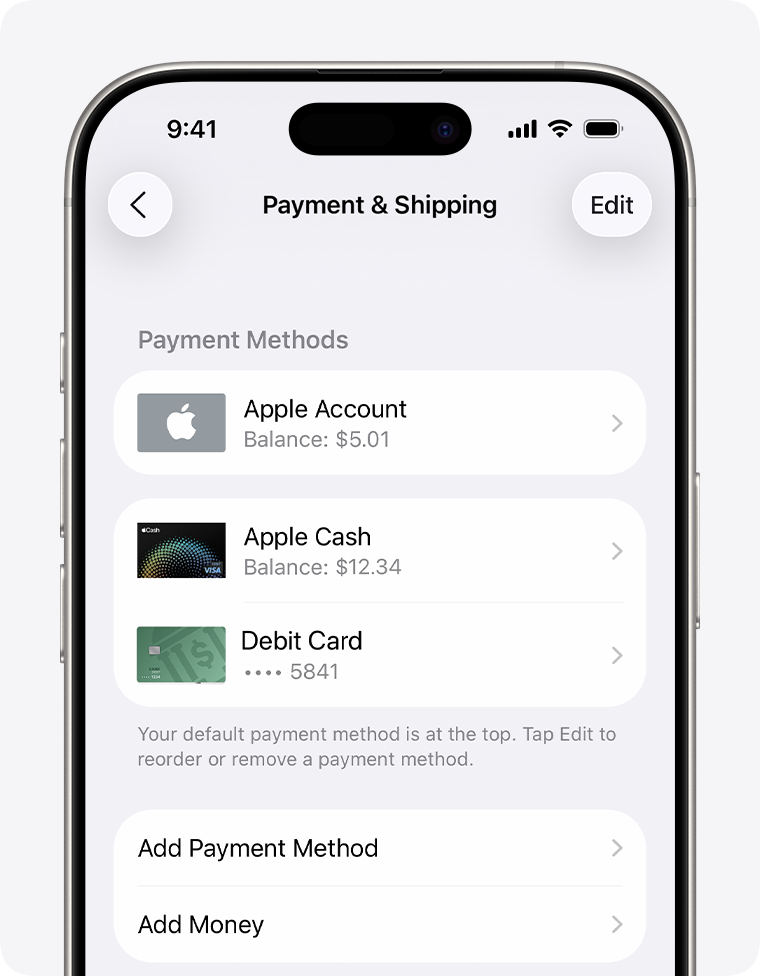
Apple has expanded support for the Apple Account Card in the Wallet app to Estonia, Latvia, Lithuania and Malta. The Apple Account Card option began rolling out in 2022 and has been gradually extended to additional countries since then.
What is the Apple Account Card?
The Apple Account Card displays the balance associated with a user’s Apple Account (formerly Apple ID). It can be used to make purchases in any brick-and-mortar Apple Store and online at Apple.com, and to buy apps in the App Store, as well as subscriptions and other Apple services. The card is also where credit is stored when an Apple Gift Card is redeemed. An Apple Account Card can be topped up using a linked debit or credit card via the “Add Money” option in Wallet.
How the Apple Account Card differs from Apple Card
The Apple Account Card is distinct from Apple Card. Apple Card is a digital and physical credit card with a credit line, interest terms and rewards that can be used at contactless payment terminals (via Apple Pay) and at merchants that do not accept Apple Pay. By contrast, the Apple Account Card is digital-only, represents the balance in your Apple Account, and has no credit line, no interest, no rewards and no physical form. It cannot be used to send money to friends, and the balance cannot be cashed out.
Supported regions
In addition to Estonia, Latvia, Lithuania and Malta, Apple Account Cards are supported in the following countries:
Australia
Austria
Belgium
Canada
Czechia
Denmark
Finland
Hong Kong
Ireland
Italy
Japan
Luxembourg
Mexico
Norway
Poland
Portugal
Spain
Sweden
Switzerland
the UK
U.S.
United Arab Emirates
Paying in person at an Apple Store with an Apple Account Card (by double-clicking the side button and holding your iPhone to the reader) is not available in every country or region, and not all card features are available everywhere. Apple has not said whether the four most recently added regions will receive the full set of usage options.
How to add an Apple Account Card to Wallet
To add an Apple Account Card to Wallet on iPhone: open Wallet, tap the plus (+) button, then tap Add Apple Account. Tap Continue and wait while the card links to your Apple Account. Once added, your balance and recent transactions will appear below the card.
