

You cannot actively track a completely switched-off phone because a device needs power to communicate with cellular towers, GPS satellites and internet services. That said, Samsung offers tools and features that can still help you locate a missing device or protect your data even after it powers down.
Why you can’t actively track a switched-off phone
A phone that is fully switched off stops transmitting location data and cannot receive remote commands. When the battery dies or the device is turned off, it can no longer send updates to networks or location services, so real-time tracking ends until the phone is powered again.
How Samsung can still help track a switched-off phone
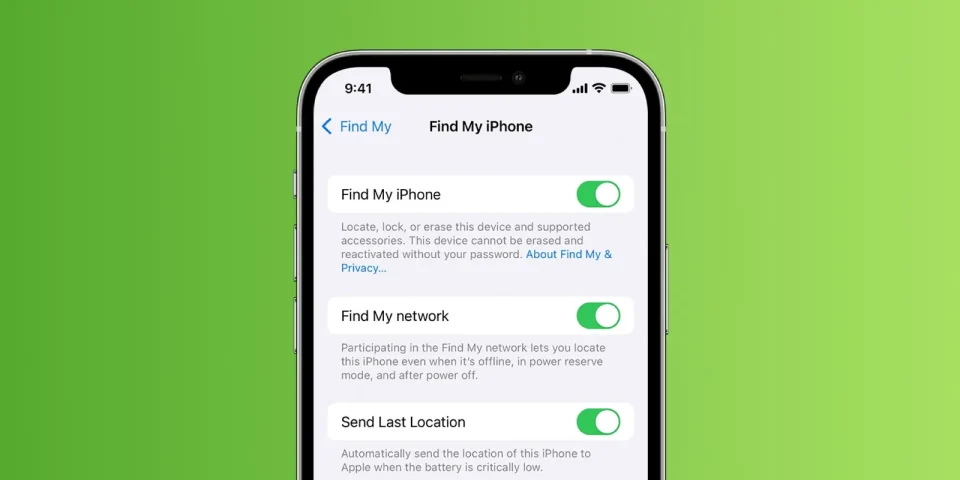
Samsung’s Find My Device service retains your phone’s last known location before it went offline and makes that record available through your Samsung account. Some newer Samsung Galaxy models also include enhanced detection that can work even when the main operating system is shut down: they may be detectable by nearby devices using Bluetooth Low Energy signals, similar to Galaxy Tags. Before a battery fully drains, most Samsung phones will automatically send a final location update—typically when the battery drops to around 5% or lower—giving you one last recorded position. The accuracy of that last location depends on whether GPS or Wi‑Fi was active (more precise) or whether the phone was located only via cellular towers (less precise). You can also check Google’s location history (Google Timeline) if your Google account is linked to the device for additional location data.
What happens when the battery dies
All active tracking stops immediately once the battery dies because the phone can no longer power its communication systems. Power‑saving modes can extend basic functions and potentially delay the stop of location updates, but once the battery reaches zero percent no remote tracking or commands will work until the device is charged.
Immediate steps to take when your phone goes missing
Call the phone from another device to check whether it rings nearby or if someone answers. If calling fails, sign in to Samsung’s Find My Device on a computer or another smartphone to make the phone ring at full volume, display a custom lock‑screen message with contact details, or enable Lost Mode to lock the device and help prevent unauthorized access. If you suspect theft, contact local authorities with the phone’s serial number and last known location, and notify your carrier to report the device and consider suspending service.
Quick action and prior setup of Find My Device increase the chances of recovery. While a completely switched‑off phone cannot be tracked in real time, the last known location, final battery ping, and enhanced detection features on some Galaxy models can still provide useful leads.
