

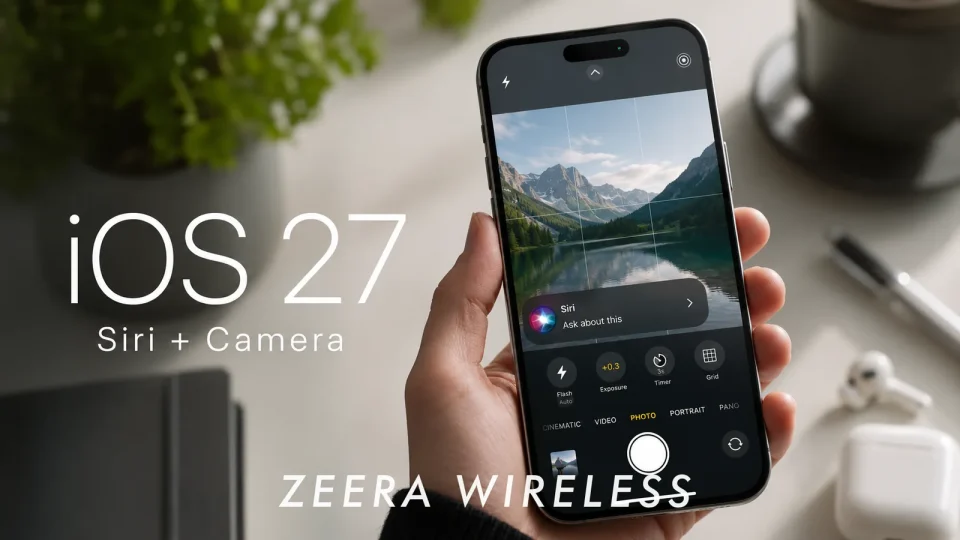
iOS 27 is now available, and iPadOS has also begun rolling out after months of waiting. Apple’s latest update brings an AI-powered Siri, a redesigned Screen Time app and expanded Liquid Glass customizations, offering several visible changes for iPhone users.
Apple has positioned Siri as AI-powered in this release, making the voice assistant one of the headline features of iOS 27.
The update also includes a revamped Liquid Glass experience with additional customization options for users who want to adjust that visual style.
Screen Time has been redesigned to present usage and controls in a new layout.
How to upgrade to iOS 27
Back up your device, then install the update from your iPhone’s settings: open Settings, go to General and choose Software Update, and follow the on-screen prompts to download and install iOS 27. After updating, you can explore the new Siri, Liquid Glass options, and the redesigned Screen Time app.
