

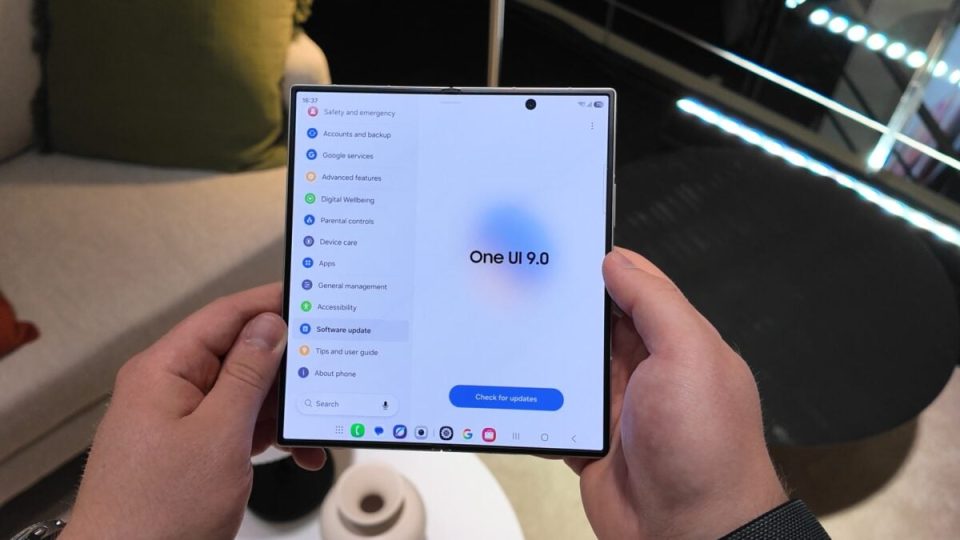
One UI 9.0, which debuted with the Galaxy Z Flip 8 and Galaxy Z Fold 8 series last month, adds a dedicated Warranty and care section to the Settings app on Galaxy devices, making it easier to check warranty status, run diagnostics and resolve device issues.
The Warranty and care section appears directly within the Settings app on Galaxy devices running One UI 9.0 or newer. It displays the device’s current warranty status and whether it is enrolled in a Samsung Care+ coverage plan. From the same place users can purchase a Samsung Care+ plan for eligible devices and check the warranty status of other Galaxy devices linked to their Samsung account.
One UI 9 Warranty and care section
If you encounter hardware or performance problems, the Diagnostics tool in the Warranty and care section helps identify the issue. The diagnostics cover battery and charging, touch response, sensors, network connectivity, security, and data backup and restore.
Because the new section integrates Bixby, Samsung’s voice assistant can be asked directly about issues. Bixby will guide users through step-by-step troubleshooting solutions without searching online.
From the Warranty and care hub users can also book an appointment at a Samsung-authorized service center or initiate a remote support session. The section displays estimated repair costs for major components and shows the amount payable with and without a Samsung Care+ plan.
