

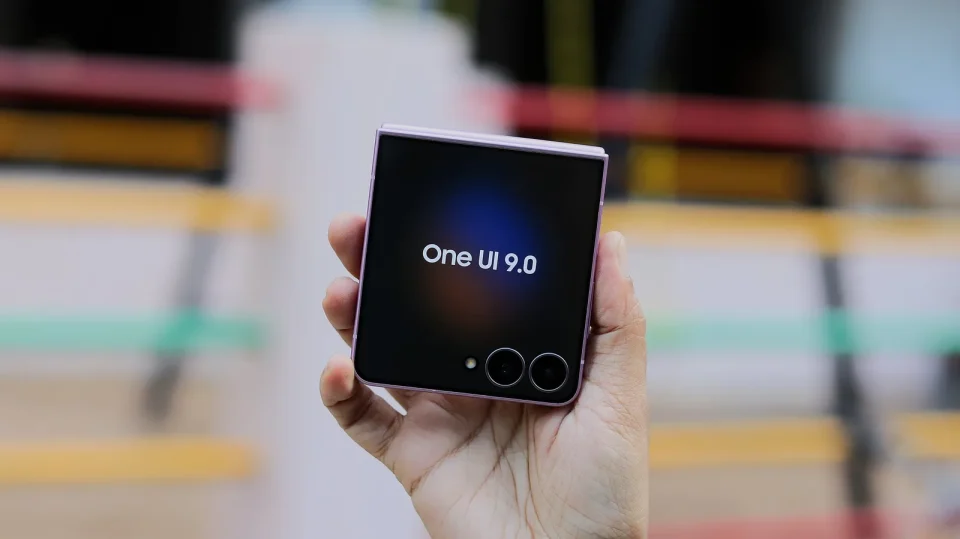
Several users report that some Galaxy devices get stuck on an error screen after updating to One UI 9, blocking access to the phone instead of showing the expected change log. Multiple posts on Reddit show the alarming error screen and say repeated restarts do not clear it.
How One UI 9 users can recover
When the error screen appears, force a restart by holding the Volume Down and Power keys. As soon as the Samsung logo appears, press and hold the Volume Down key to boot the device into Safe Mode. In Safe Mode, enable Airplane Mode so there is no active Wi‑Fi or mobile data connection, then restart the device normally. According to reports, the phone will reboot into its normal state and function correctly.
Users on X, including @fahadalijaved, suggest the problem may stem from a server-side change made by Samsung intended to prevent firmware leaks; the change appears to cause the unintended error screen. Samsung will likely roll back the change that triggered the issue, but until then it is recommended to enable Airplane Mode before updating to One UI 9 to avoid having to use Safe Mode.
