

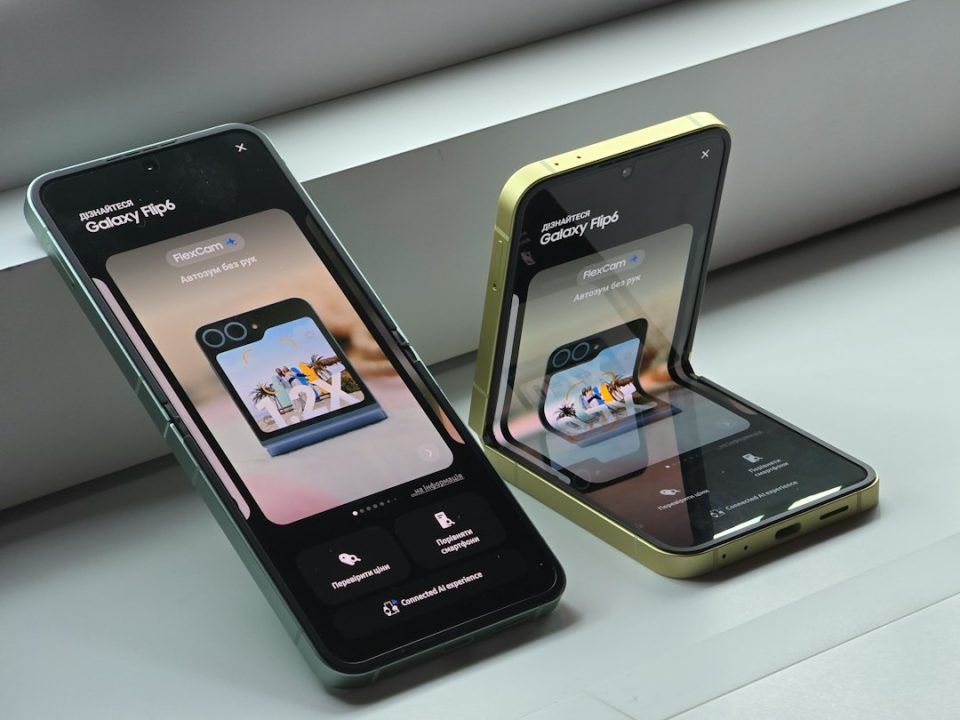
One UI 9 significantly changes how the Galaxy Z Flip 7 cover screen works, bringing features from the Galaxy Z Flip 8 to the Flip 7 and focusing many of the most notable improvements on the cover screen. The update adds a proper home screen, reorganizes notifications and quick settings, introduces an app drawer and recent apps view, and makes widget management easier — all without changing the cover screen’s hardware.
One UI 9 brings a true home screen
One of the first things you’ll notice after installing One UI 9 is a new cover-screen home. Previously, unlocking the Galaxy Z Flip 7 left you on the unlocked lock screen; under One UI 9 the phone opens a home screen that contains Now Brief and shortcuts to your favorite apps. Up to five app shortcuts can be selected and customized for quick access. If you prefer the prior behavior, the new home screen can be disabled so unlocking returns you directly to widgets.
One UI 9 reorganizes notifications and quick settings
Samsung has changed the gestures for notifications and the quick panel on the cover screen to mirror the main display more closely. Before the update, swiping right showed notifications. After One UI 9, you swipe down to open notifications and then swipe left to reach the quick panel, or swipe down from the top-right corner to go directly to the quick panel. The quick panel lets you change commonly used settings without unfolding the phone, but you cannot modify the quick panel on the cover screen or long-press individual toggles to access additional options.
App drawer and recent apps make multitasking easier
The update adds a proper app drawer on the cover screen, opened by swiping up from the home screen. Apps enabled via Good Lock’s MultiStar module for additional cover-screen support will appear in this drawer. Apps not originally designed for the cover screen may not fit perfectly; Samsung will attempt to resize them to the available space. The cover screen also gains a recent apps interface: tapping the Recents button or swiping up and holding reveals recently used apps so you can switch between them much like on the main display. These additions move the cover screen away from relying mainly on individual shortcuts toward a more complete app navigation experience.
Widgets can be added and arranged directly on the cover screen
One UI 9 lets you add widgets directly from the cover screen and expands the available widget selection to include options for apps such as Bixby and Samsung Internet. App shortcuts no longer need to occupy an entire widget panel; they can be placed inside smaller cards that leave room for additional widgets on the same page. These changes allow more information and controls to fit into the limited space and reduce the number of times you must unfold the phone to change the cover screen setup.
One UI 9 does not remove every limitation of the cover screen, but by introducing a home screen, an app drawer, a recent apps view and improved widget controls, the update makes the Galaxy Z Flip 7 cover screen considerably more capable and easier to use.
