

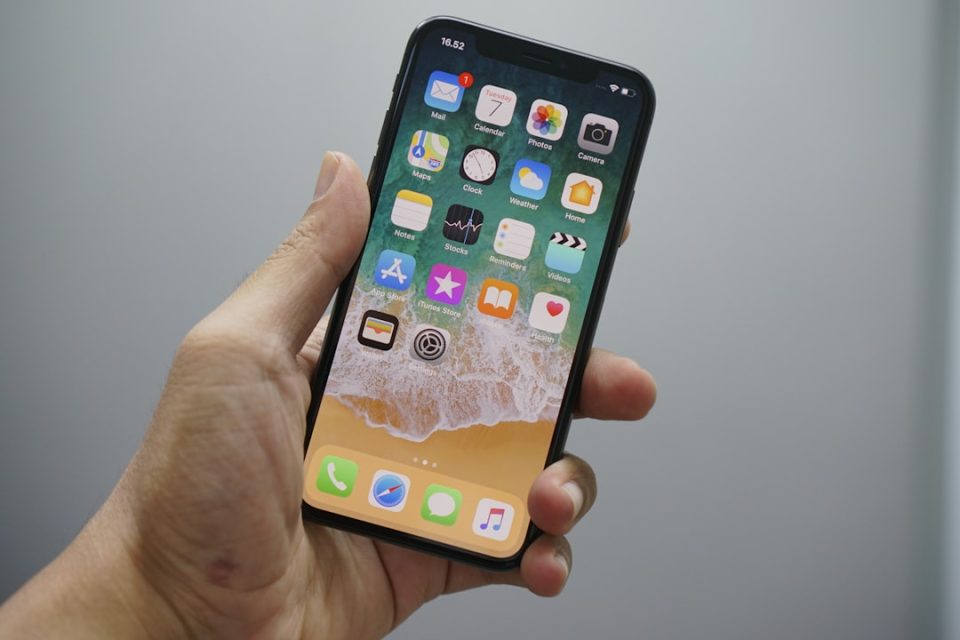
Apple has released the first public beta of iOS 27, opening early access to a broader audience after developer testing. The update brings significant enhancements — notably smarter Siri features and deeper Apple Intelligence integrations — but beta software carries risks. Below is a clear, practical guide to compatibility, preparation, installation and what to expect from iOS 27 Public Beta.
Compatibility
Which devices can run iOS 27 Public Beta?
iOS 27 supports the same iPhone models that ran iOS 26, beginning with iPhone 11 and newer. Supported iPhones include:
– iPhone 17e, 17, 17 Pro, 17 Pro Max, and iPhone Air
– iPhone 16e, 16, 16 Plus, 16 Pro, 16 Pro Max
– iPhone 15, 15 Plus, 15 Pro, 15 Pro Max
– iPhone 14 series
– iPhone 13 series (including mini and Pro models)
– iPhone 12 series
– iPhone 11 series and iPhone SE (3rd generation)
iPad compatibility is narrower. iPadOS 27 drops support for some older iPads and runs on more recent iPad Pro, iPad Air, iPad and iPad mini models, including M4/M3/M2-equipped Pro and Air models and A-series iPads from recent generations. Note that hardware-dependent features may be limited to the newest models.
Features and limitations
What’s new — and what isn’t
iOS 27 centers on a more personal Siri and Apple Intelligence enhancements across apps. Highlights include:
– An upgraded Siri that integrates Visual Intelligence for context-aware suggestions.
– Camera integrations that let you act on real-world content (for example, receipts or text in view).
– Enhanced Maps Flyover imagery, Local Lists in the U.S., and richer Find My sharing controls.
– Natural language input for Calendar and Reminders, with automatic details filled by Apple Intelligence.
– Wallet, Apple Pay and Apple Cash improvements: bill splitting, custom passes, Tap to Share and an overhauled checkout flow.
– Media and cloud updates: smarter AutoMix in Apple Music, full-resolution shared iCloud Albums, and better podcast search.
Keep in mind: several headline features require Apple Intelligence and are limited to iPhone 15 Pro and later, with a few capabilities exclusive to the newest Pro models.
Should you install the public beta?
Assess the risk before you upgrade
Beta software is inherently unstable. Expect occasional crashes, battery or performance regressions, and app incompatibilities. Apple advises against installing betas on your primary device. If you rely on your iPhone for work or daily tasks, wait for the official release in September or use a secondary device for testing.
Prepare by making an archived backup
You must back up your device before installing the beta to be able to revert to iOS 26 if needed.
To create an archived backup with a Mac:
1. Connect your iPhone to your Mac with a cable and click Allow/Trust when prompted on both devices.
2. Open Finder and select your device in the sidebar.
3. In the General tab, choose Back up all of the data on your iPhone to this Mac.
4. To preserve passwords and Health data, check Encrypt local backup and set a password.
5. Click Back Up Now. After completion, verify the backup date/time and use Manage Backups to archive it so it won’t be overwritten.
You can also back up to iCloud, but archived Finder backups are essential if you might downgrade to the current public release.
How to enroll and install iOS 27 Public Beta
Step-by-step installation
1. Enroll: Visit Apple’s Beta Software Program website and sign in with your Apple ID to enroll the device.
2. Opt into the beta on your iPhone: Open Settings > General > Software Update > Beta Updates. If Beta Updates is not visible, toggle off Automatic Updates > Download iOS Updates, go back, and check again.
3. Select iOS 27 Public Beta and return to the Software Update screen. Allow the device to check for the beta build.
4. When the update appears, tap Download and Install and follow on-screen prompts. The device will download, prepare and restart to complete installation.
After installation, monitor battery life and app behavior, and report issues to Apple through the Feedback app to help improve the final release.
Practical tips post-installation
– Keep an eye on app updates: Developers often push compatibility fixes during beta cycles.
– Test critical workflows before relying on the device for important tasks.
– If you encounter major issues, restore your archived Finder backup to revert to the stable release.
Wrap-up
iOS 27 Public Beta offers a preview of smarter system-wide features and improvements across core apps. For enthusiasts and testers with a spare device, it’s an opportunity to try new capabilities and help refine the OS ahead of the public release. For everyone else, patience is wise: wait for the final version or ensure you have a complete archived backup and a plan to revert if needed.
