

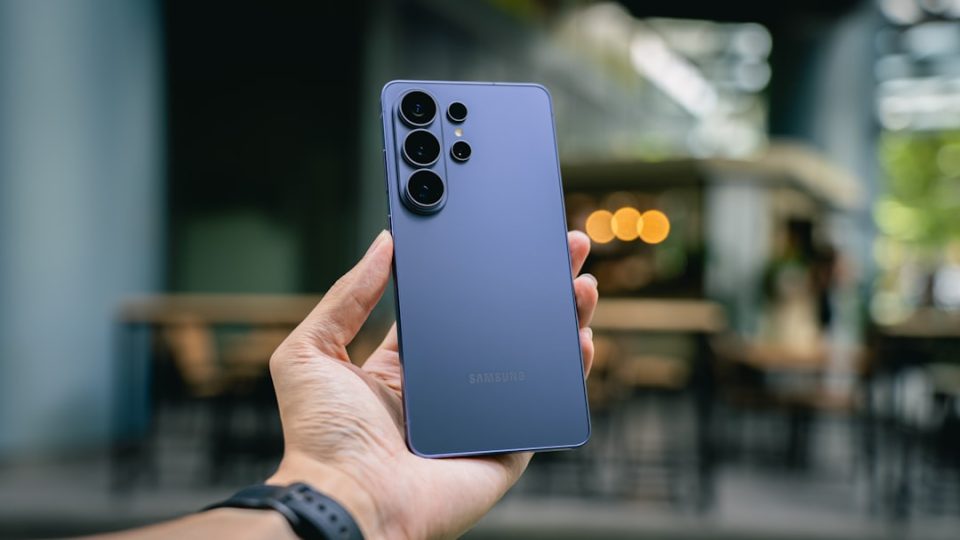
The Samsung Galaxy S26 Ultra stands out as the sole device in the S26 series equipped with an integrated S Pen, neatly housed at the base of the phone for easy access. This stylus, boasting 4,096 levels of pressure sensitivity and hover detection, offers a pen-on-paper feel, making it ideal for detailed handwriting, sketching, and precise annotations.
Samsung Notes, enhanced with Galaxy AI, complements the S Pen by offering advanced features such as handwriting-to-text conversion, which allows users to seamlessly transform handwritten notes into typed text. The app also includes Note Assist, a tool that summarises, formats, translates, and corrects notes, whether typed or handwritten. Transcript Assist further enriches the experience by transcribing audio recordings into text, which can then be summarised or translated within Samsung Notes.
Beyond note-taking, the S Pen enhances functionality across the Galaxy S26 Ultra. It enables users to annotate photos in the Gallery app, highlight web pages in Samsung Internet, and quickly jot down ideas with the Screen off memo feature, even when the phone is locked. The Screen Write function allows for immediate annotation of screenshots, facilitating quick edits and notes on maps, documents, or any on-screen content.
