

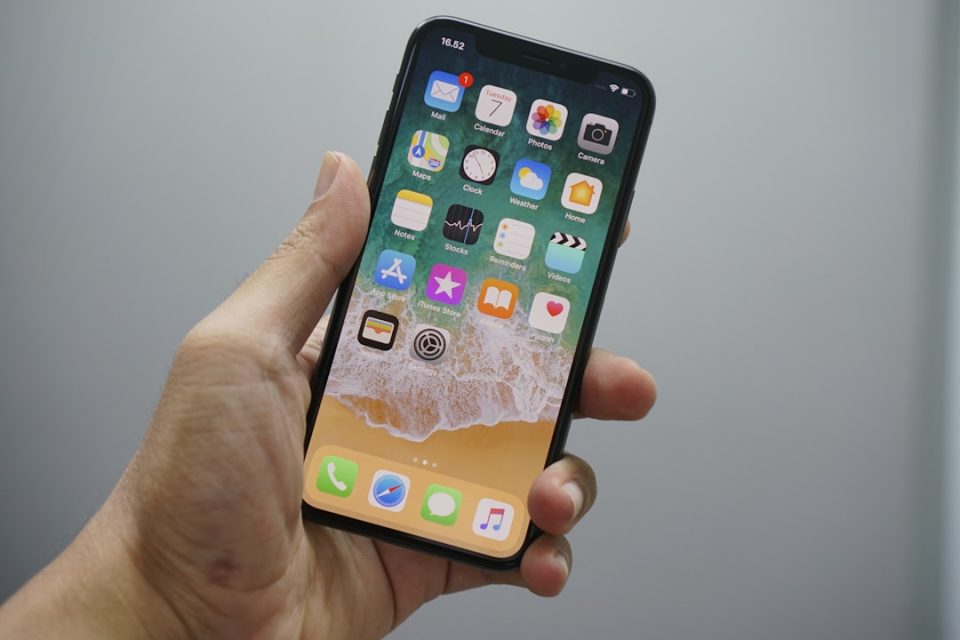
Your iPhone is not just a communication tool; it’s a powerhouse of features designed to streamline your life. Beyond the basics, iOS offers hidden functionalities that can enhance productivity, simplify daily tasks, and boost creativity. These often-overlooked features can save time and optimize workflow. Here are ten hidden gems you might not be using yet.
1. Automate with Shortcuts: The Shortcuts app allows for automation of repetitive tasks through custom workflows triggered by specific actions. Adjust volume levels for different apps or create multi-step shortcuts to perform several actions with one tap.
2. Safari’s Hidden Tools: Safari is more than a browser; it offers productivity-enhancing features like the Markup Tool for annotating web pages and Text Sharing for sending specific text via iMessage.
3. iMessage Sharing: iMessage integrates with other apps, enabling easy sharing of music directly from the Music app, allowing you to recommend songs without leaving the conversation.
4. Notes App Features: Beyond text entry, the Notes app lets you record audio and transcribe it, making it invaluable for capturing lectures or meetings and reviewing them later.
5. Shake to Undo: This feature provides a quick fix for mistakes. By shaking your device, you can undo actions like text deletion, saving time during precision tasks.
6. 3D Touch Shortcuts: If supported, 3D Touch simplifies tasks by enabling pressure-sensitive shortcuts in apps like Maps and the App Store, reducing navigation steps.
7. Calculator Corrections: The Calculator app allows for error correction by swiping to delete digits or holding the clear button to reset calculations.
8. Safari Reader Mode: Reader Mode declutters web pages for a clean reading experience, focusing on text and images and enhancing article readability.
9. Keyboard Trackpad: Transform the keyboard into a trackpad by holding the spacebar, allowing precise cursor movement for easier text editing.
10. Do Not Disturb While Driving: This feature improves safety by silencing notifications when driving, with customizable auto-replies to inform others of your unavailability.
These hidden iPhone features showcase iOS’s depth and versatility. By exploring these tools, you can transform your iPhone into a smarter, more efficient companion, unlocking its full potential.
