

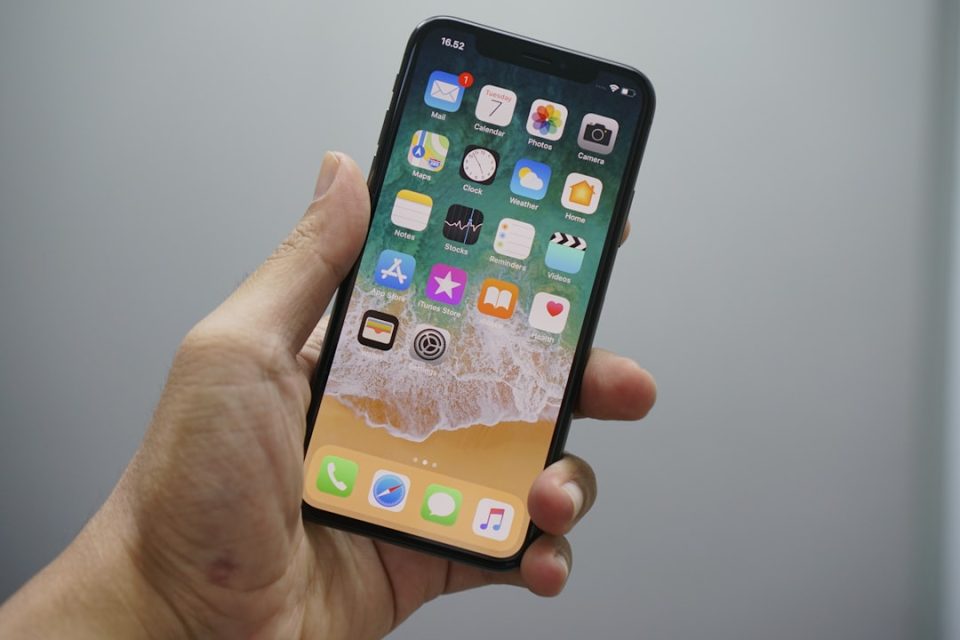
Your iPhone contains several lesser-known tools that can save time, boost focus, and make sharing information easier. Here are ten practical — and easy-to-enable — features worth exploring to get more out of your device.
Hidden iPhone features to enable right now
1. Built-in background sounds
iOS can play ambient sounds (white noise, ocean, rain, etc.) without a third-party app. Enable them via Settings > Accessibility > Audio/Visual > Background Sounds. Great for meditation, focused work, or falling asleep.
2. Instant unit and currency conversions
The Calculator app suggests quick conversions (kilometers to miles, dollars to euros, etc.) when you enter a value — handy when traveling or handling international data.
3. Create polls directly in iMessage
Group chats can include a poll to decide plans, meeting times, or movie choices. Participants vote inline in the thread, simplifying coordination without extra messages.
4. Scheduled Summary for fewer interruptions
Scheduled Summary bundles non-urgent notifications and delivers them at times you choose. Turn it on in Settings > Notifications > Scheduled Summary to reduce interruptions while still staying informed.
5. Secure password sharing
The Passwords feature lets you share login credentials within secure groups — useful for families or teams that need access to the same accounts without sacrificing privacy.
6. Listen to podcasts at your preferred speed
The Podcasts app lets you adjust playback speed by episode. Speeding up or slowing down helps you keep up with long interviews or catch up more quickly.
7. Reopen a Safari tab you closed by mistake
If you close a tab accidentally, press and hold the “+” button in Safari’s tab view to access recently closed pages — a simple trick to avoid losing a search or article.
8. Use Siri to set timers and reminders quickly
Ask Siri, for example, “Set a timer for 20 minutes” or “Remind me in two hours” to handle timed tasks (cooking, focused work sessions, quick reminders) without touching the screen.
9. Preserve your preferred camera settings
To avoid reselecting Live Photo, ProRAW, or filters each time, go to Settings > Camera > Preserve Settings and save your preferences — the camera will open configured the way you like.
10. Generate a Wi‑Fi QR code for easy sharing
From the Passwords section you can generate a QR code to let guests join your Wi‑Fi network without speaking the password aloud — a discreet and convenient option for visitors.
Why these tips matter day-to-day
These features aren’t gimmicks — they solve common frictions like background noise, notification overload, credential sharing, and accidental tab closures, directly on your iPhone. Try a few and tailor them to your routine: small changes can make your iPhone a more discreet, efficient daily assistant without installing extra apps.
