

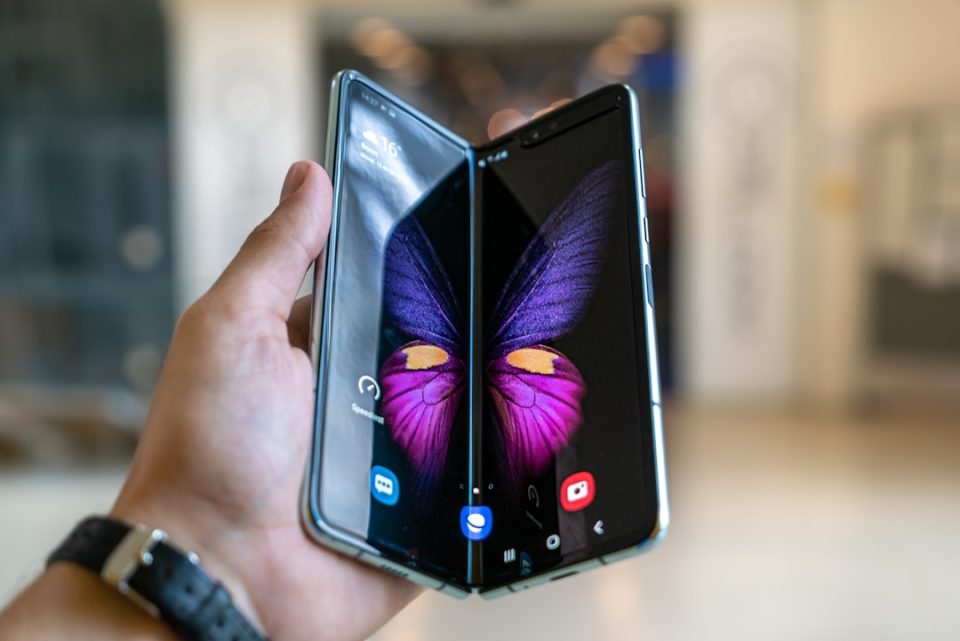
The Screen layout and zoom setting can cause apps to appear improperly on the Galaxy Z Fold 8 cover screen; lowering it from the maximum fixed the problem on my device.
On first use I noticed Amazon Music’s album art extended far enough down the cover display that it began to encroach on the buttons beneath. In another app, an OTP field disappeared from view once the keyboard appeared, forcing entry without seeing the code.
Those issues were caused by the Screen layout and zoom control, which offers five levels for making on-screen items larger or smaller. My Fold 8 was set to the maximum level; reducing it to either of the first two levels made apps fit the cover display correctly.
I had transferred my data from a Galaxy S26 Ultra using Smart Switch. It’s unclear whether Smart Switch pushed the setting to the maximum. A colleague who set up a Fold 8 without transferring from another phone found a lower level was used out of the box.
How to fix Galaxy Z Fold 8 cover screen scaling
Open Settings, go to Display, then select Screen layout and zoom. Change the level from the maximum to a lower setting and check how apps behave on the cover screen. Keep in mind this setting applies to both the cover and internal displays; there is no separate control for the cover screen.
If you recently moved to the Fold 8 from another Galaxy phone or plan to buy one, check this setting before assuming the cover display’s unusual aspect ratio is the cause of app layout problems.
