

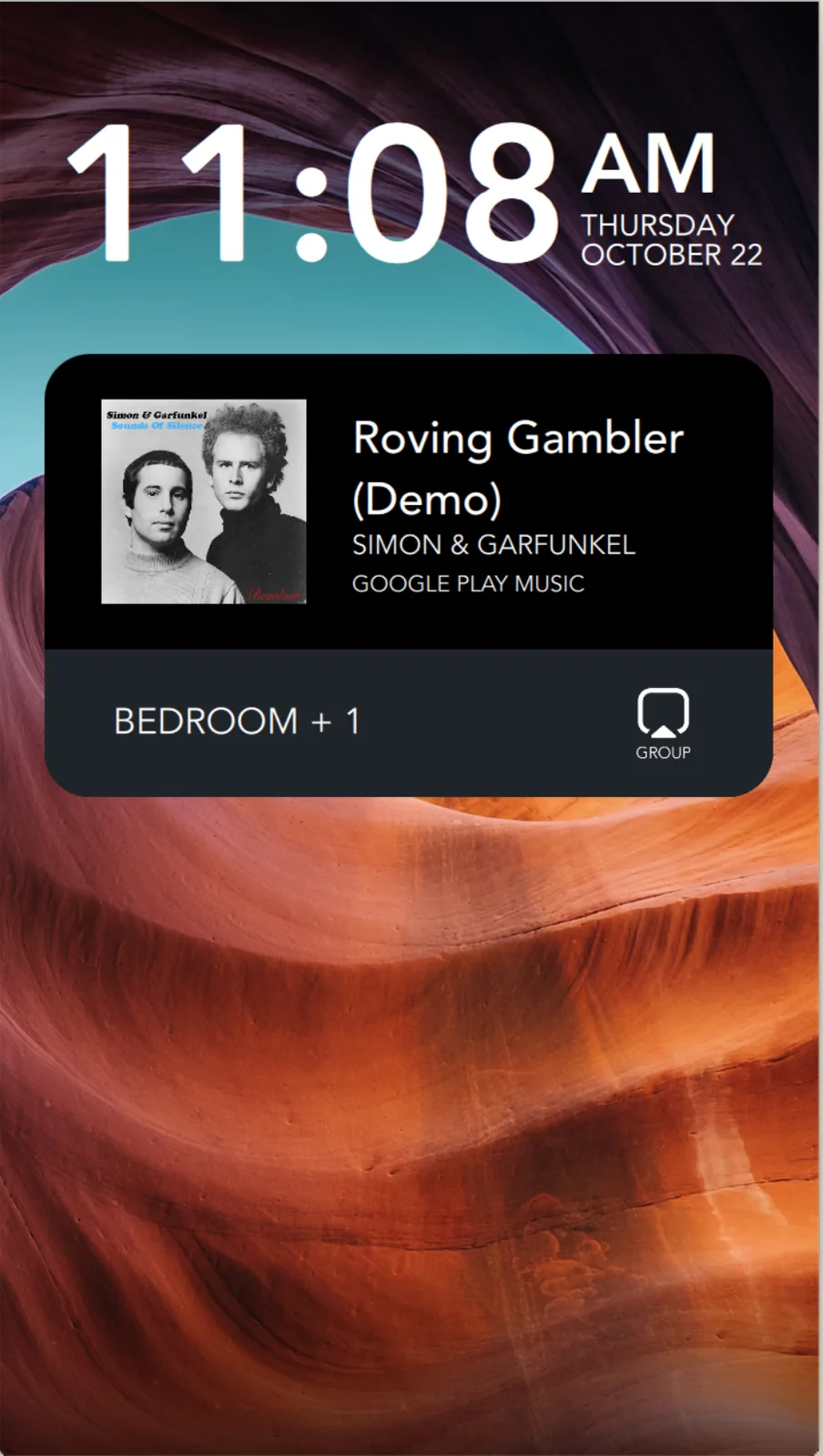
Sonos has updated its iOS app to add Live Activities support, bringing quick access to playback controls directly on the iPhone Lock Screen.
The Live Activity appears after you start playback on a Sonos device and then close the app. It displays the current room or group you were last playing audio from and offers basic controls to play/pause or skip tracks.
Playback started outside the Sonos app — via Direct Control from supported services, Bluetooth, or AirPlay — still exposes the local playback controls on the Live Activity, allowing control without returning to the Sonos app.
Live Activities on Lock Screen, Watch and CarPlay
As things stand, album art cannot be displayed on the Live Activity, and Sonos said it is looking into alternative ways to enhance the Lock Screen experience. Sonos also noted that Live Activities work on Apple Watch and CarPlay, but “right now the controls aren’t supported” in these instances.
Sonos called Live Activities support a “much requested, anticipated, and needed feature.” The company announced the addition in a Reddit post.
