

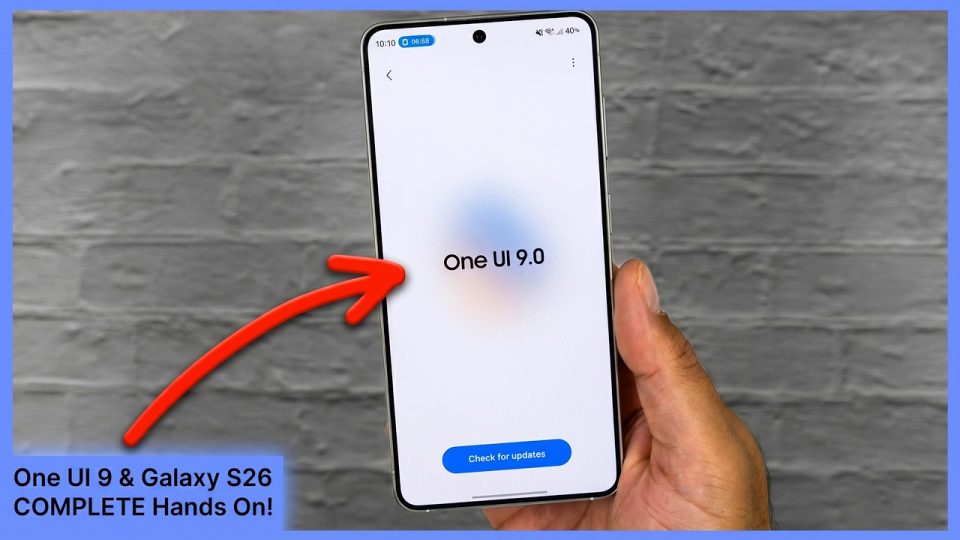
Samsung released two One UI 9 beta updates for the Galaxy S26 series in quick succession, and the second update brings My FanCam to the Galaxy S26, S26+, and S26 Ultra.
My FanCam lets users take an existing video, select a subject to track, and produce a new clip that places that subject front and center while cutting out the rest of the frame. The feature is designed to work with videos that contain people and cannot detect animals or pets. It is similar to the Auto framing feature in Samsung’s Camera app, with the main difference being that Auto framing operates in real time.
To use My FanCam, open any video in the Gallery app, tap the Galaxy AI icon, and select My FanCam. The feature will automatically try to find people in the video; if it cannot detect anyone, you can use the seek bar to skip to a section where people are easier to identify.
How My FanCam works
My FanCam processes an existing recording to track a selected person and generate a new video focused on that subject. The workflow relies on the Gallery app and the Galaxy AI interface to identify and isolate people in the footage.
The newly announced Galaxy S26 FE, which will ship with One UI 9 starting September 4, supports My FanCam out of the box.
