

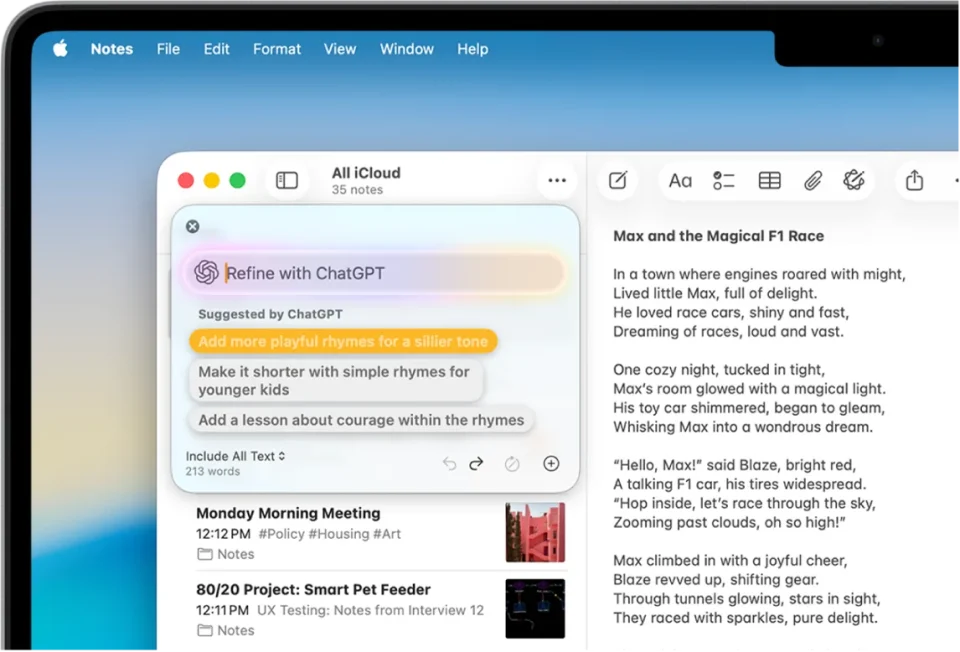
In macOS 27 Golden Gate, Siri AI is noticeably smarter and no longer routinely tries to hand queries off to ChatGPT. If you prefer OpenAI’s chatbot for specific questions, you can still summon ChatGPT explicitly, but there is no setting to make it your default assistant.
Enable the ChatGPT extension
Open System Settings, click Siri in the sidebar, then select ChatGPT under “Extension.” Turn on Use Extension and choose whether to sign in with a ChatGPT account. If you sign in, requests are saved to your ChatGPT chat history and OpenAI’s privacy policies apply. If you skip signing in, OpenAI receives nothing tied to your Apple Account and cannot store your requests.
Using ChatGPT with Siri and Search
To query ChatGPT directly, press Command-Space to open the Search or Ask bar (formerly Spotlight Search). Right-click or Control-click the field, choose Ask → Use ChatGPT, type your question, and press Enter. When an answer returns, the field will revert to Siri AI for the next query unless there are follow-up questions, so you must manually select ChatGPT again for subsequent queries. You can also start a spoken Siri request with the phrase ask ChatGPT; the same phrasing works if you type it into the Search or Ask field.
ChatGPT is the only third-party option available in Golden Gate. Code in macOS 27 indicates Claude could appear in the same Ask menu, but Apple has not made AI provider selection available.
